308
OPUS Projektor Manual
CAN
5.1
CANFreestyle
General Introduction
CANFreestyle is a simple proprietary protocol, without e.g. the complexity of a transport
protocol. So this protocol is very easy to use.
Anyway you can modify CAN values that you want to send on the bus as well as the CAN
values that you received from the CAN bus. The modifiers are the same as for J1939.
Actually CANFreestyle provides a way to emulate other CAN protocols that are not
supported natively. To prevent confusion, CANFreestyle will be treated as a protocol in the
manual.
Additionally you can create a sequence of several CAN messages which can be sent
periodically.
Adding CANFreestyle to the GUI Definition
Before you can use the CANFreestyle protocol, it has to be activated. Before activating it
the Port Configuration has to be set.
Port Configuration
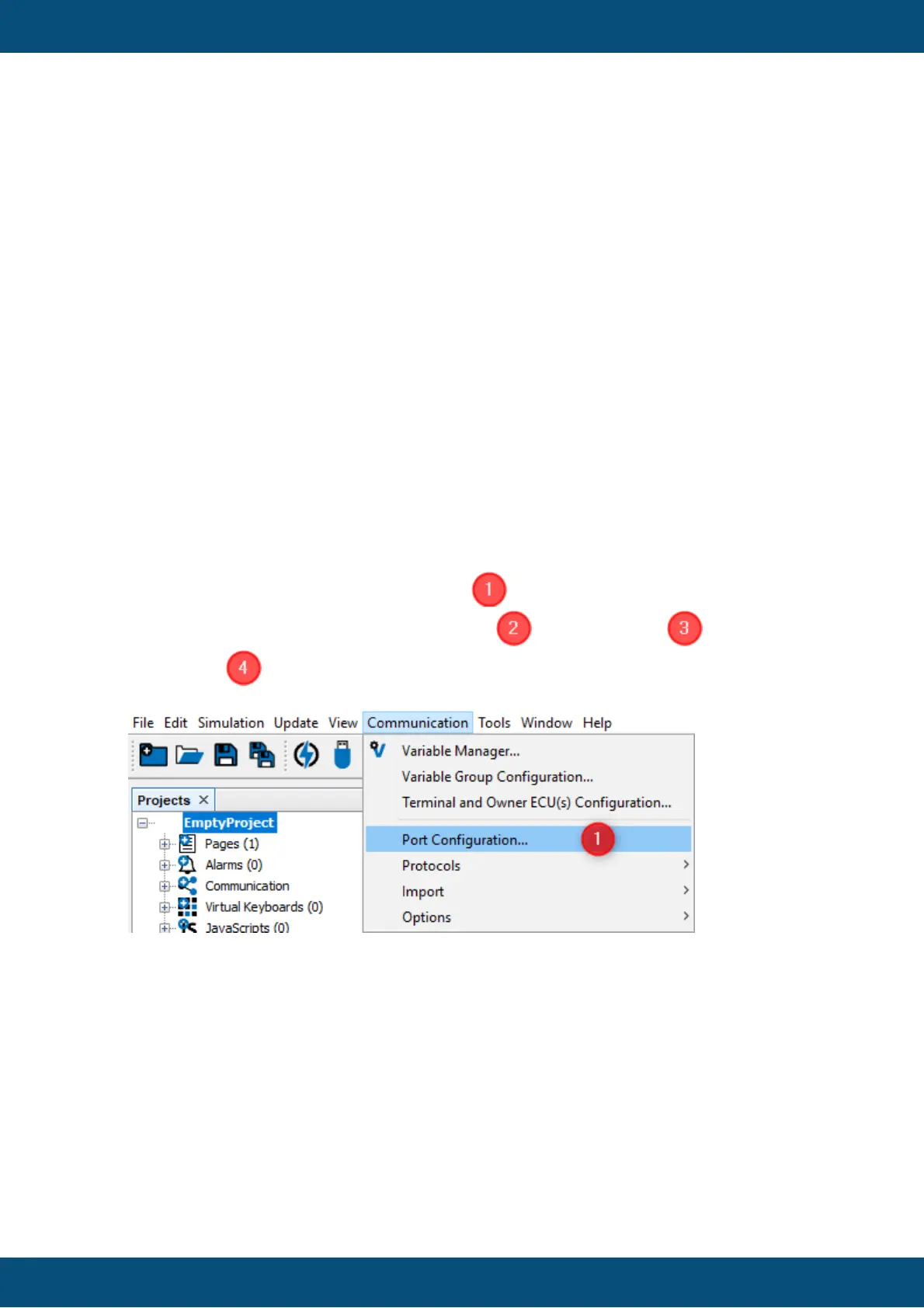
To configure the port that shall be used for the communication select main menu tab
[Communication][Port Configuration...] . A new dialog 'Port Configuration' will
be opened. Depending on the Selected Port the Bus Speed should be set.
Press "OK" to confirm the settings.



 To Next Page