9.3.2
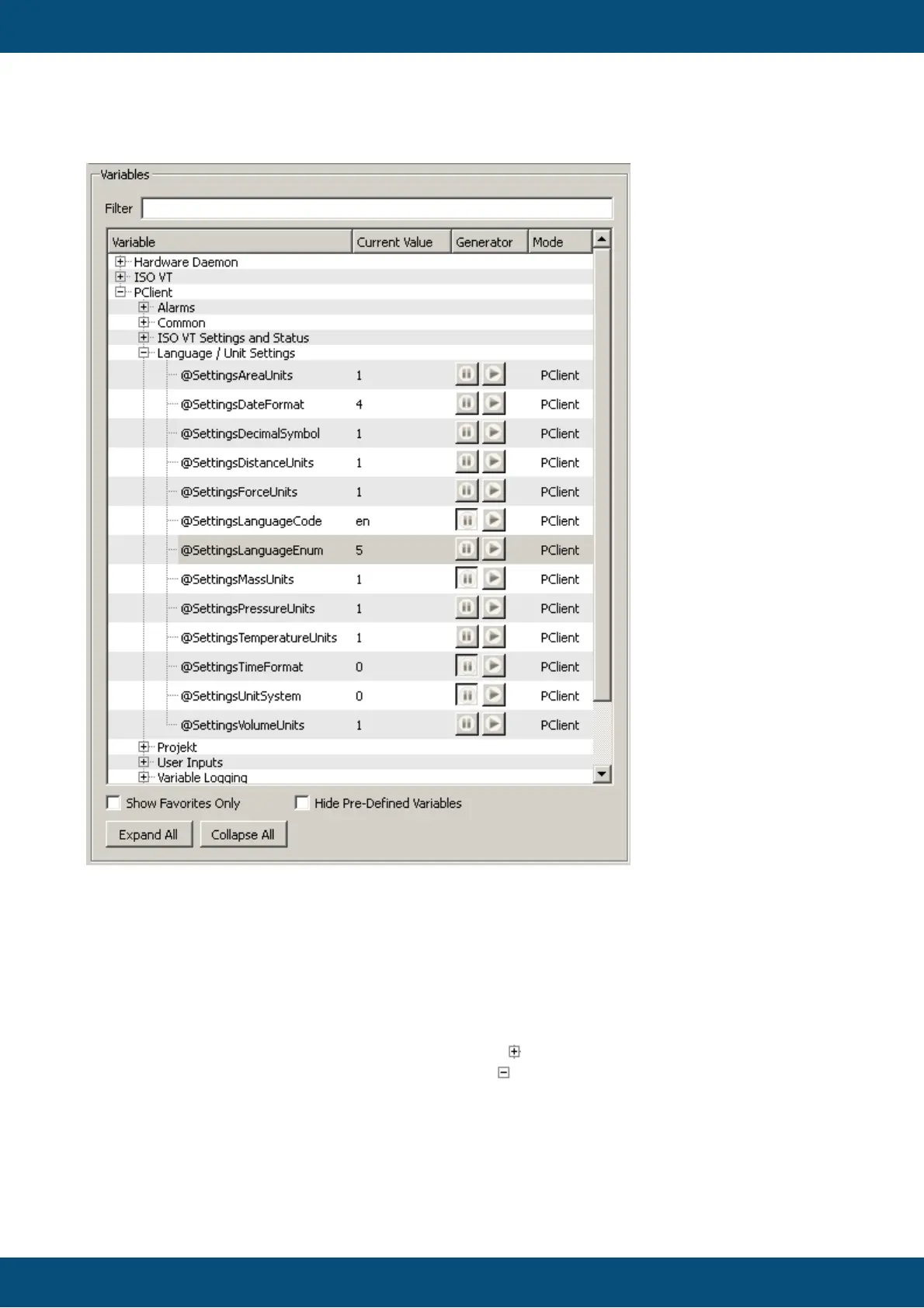
The variables are shown in a tree. The top level node of that tree are the variable owners.
Below the owners are the variable groups as configured in the project. The groups again
contain the variables.
The tree is sorted alphabetically.
To go to a deeper level of the tree simply click the symbol of a node in the tree or double-
click the node itself. To collapse a node click the symbol or double-click the node.
The whole tree can be expanded or collapsed with the "Expand All" and "Collapse All"
buttons at the bottom of the variable view.



 To Next Page