65
OPUS Projektor Manual
User Interface
In the dialog, browse to the location of the license file, select it and confirm by clicking Select
License File.
A confirmation dialog is shown. The dialog will also inform if one or more of the additional
features were unlocked.
Close the dialog by clicking OK. Now the program is fully licensed.The title of the program in
the title bar should have changed from Demo to Licensed.
3.9
Options
This chapter describes the available options that can be reached via the menu Tools ->
Options.
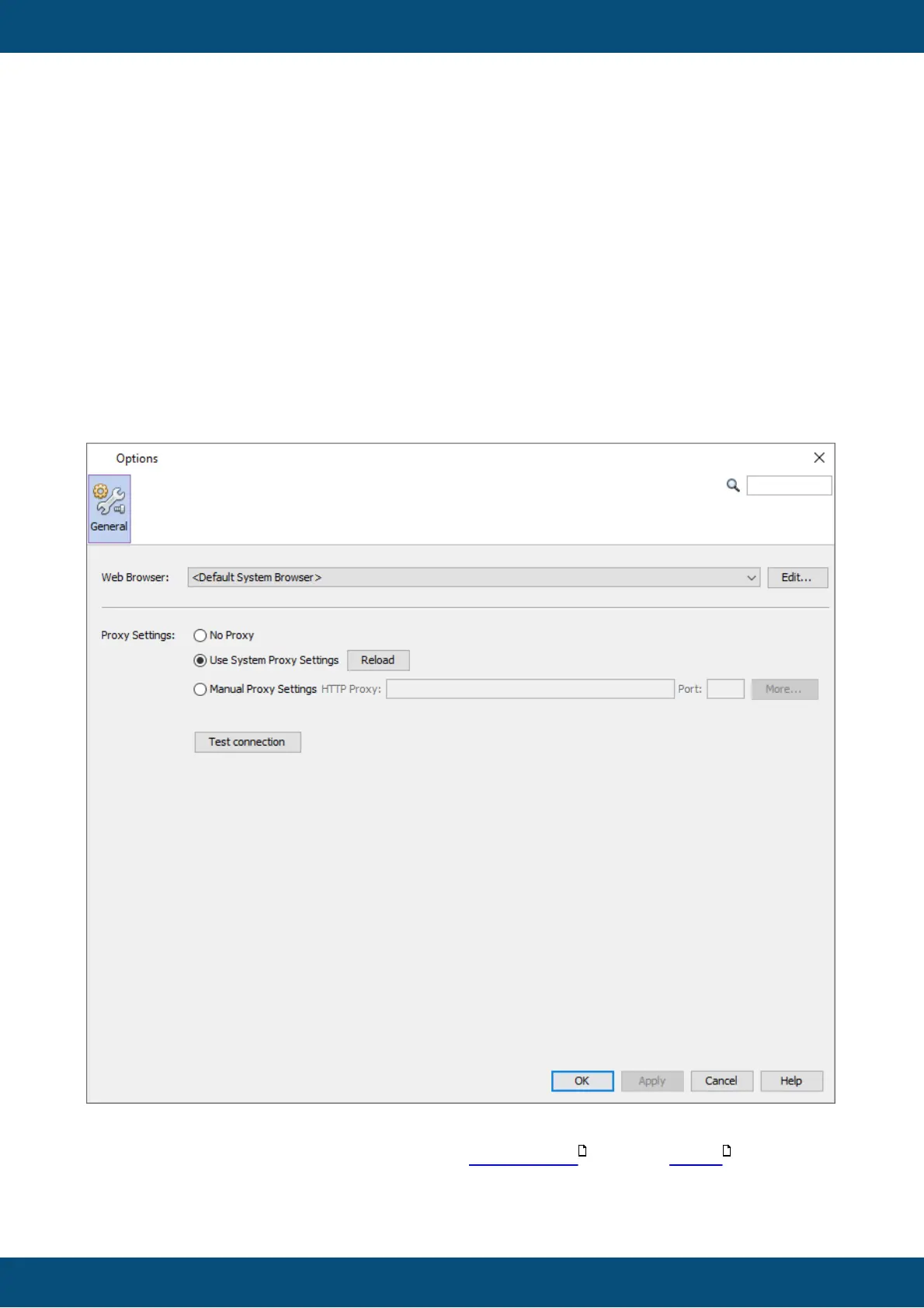
General
In the General tab the Web Browser used to open this HTML help can be selected.
Additionally, proxy settings can be made for the online update and the report
connection.
660 730



 To Next Page