730
OPUS Projektor Manual
Miscellaneous
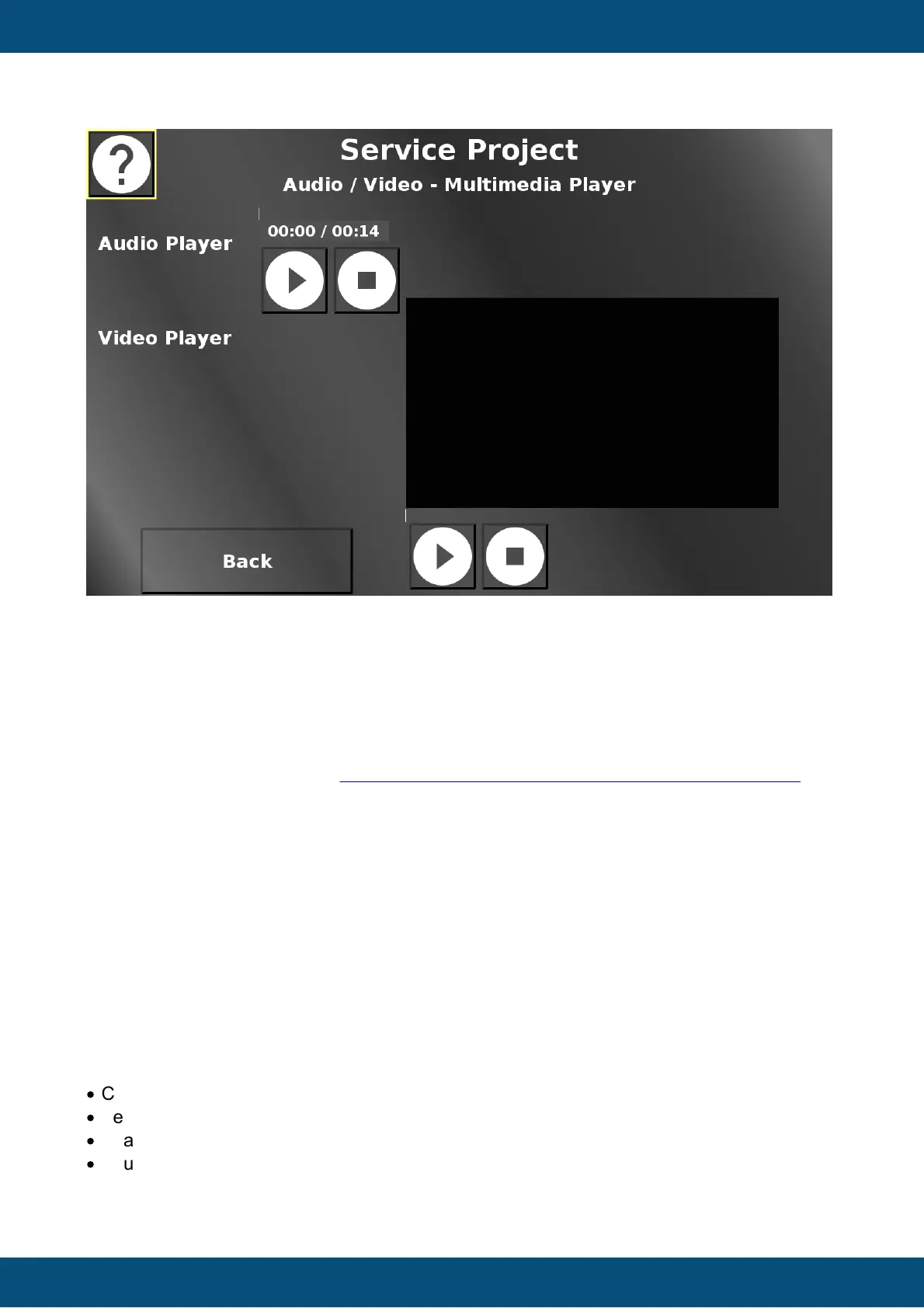
In this screen an exemplary audio and video file can be played.
Both players have a play / pause button and a stop button to control the playback.
Back returns to the Audio / Video menu.
11.3
Tutorial Videos
We have created a number of tutorial videos about the Projektor Tool and its usage. Some of
them are linked within the topics of this manual.
For a complete list, please visit the Topcon Electronics Projektor Tool tutorial video page.
11.4
Crash, Issue, Feedback reports
With this version we are introducing the possibility to send crash reports and give us general
feedback or report an issue directly through the program.
We want to ask you to send us reports, especially Crash Reports, but also your feedback,
issues or feature requests.
We can guarantee you that your report will be looked at, carefully reviewed and treated
seriously.
We are not a huge faceless company that doesn't care about its products' users.
We want to know your problems with and thoughts about our software, because we want to
improve it.
The following types of reports can be sent:
·
Crash reports (those are opened automatically when an exception occurs)
·
Feedback (for general feedback about our program, positive or negative)
·
Feature request (for ideas about new features)
·
Issue/Bug (for problems that don't have to do with an exception directly)



 To Next Page