729
OPUS Projektor Manual
Miscellaneous
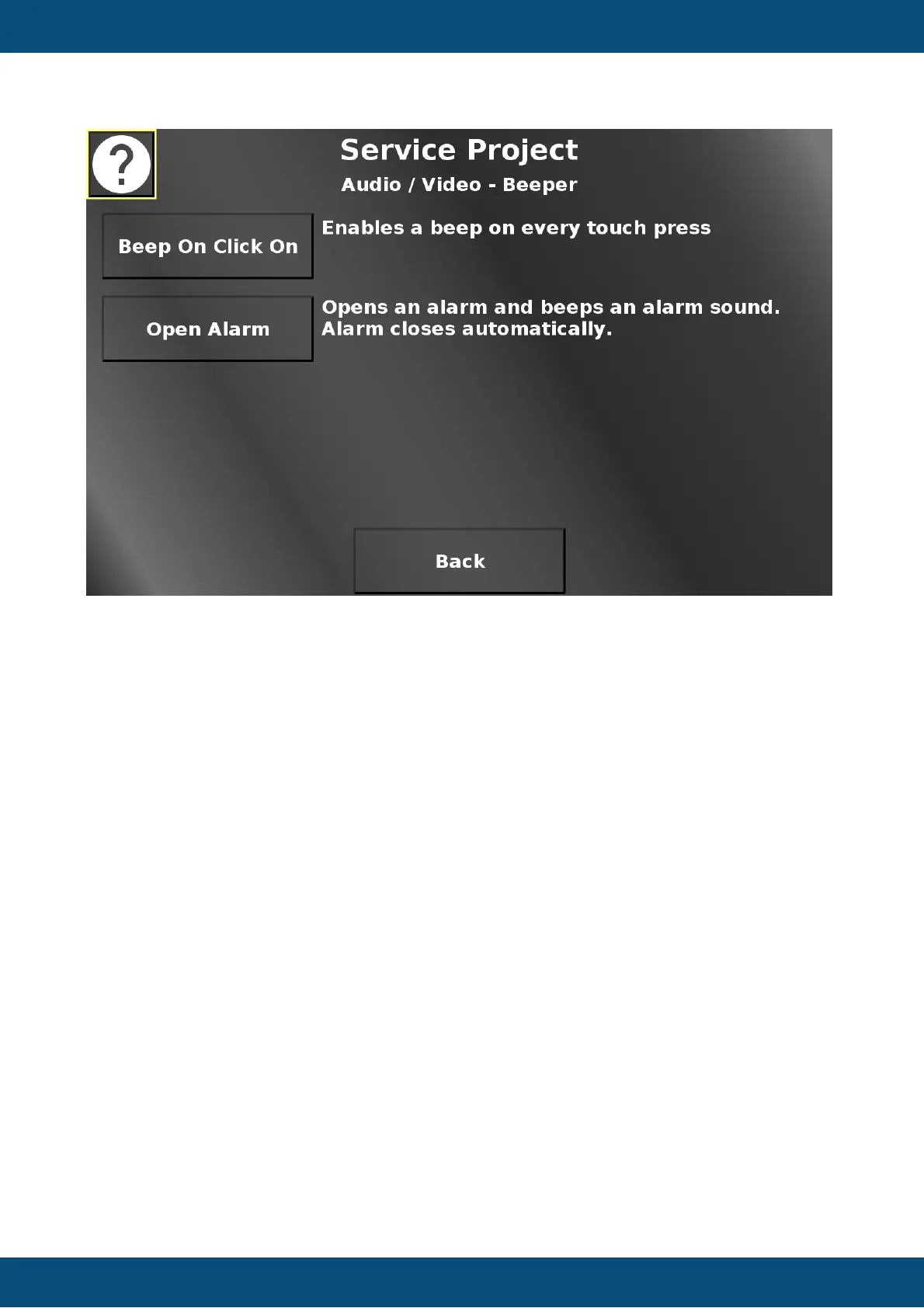
In this screen the beep on click function can be enabled / disabled. With this enabled, the
device will beep whenever the touch screen has been pressed.
Additionally, an alarm can be opened which also triggers a beep. The alarm will close itself
after 2 seconds.
Back returns to the Audio / Video menu.
Service Project -> Audio / Video -> Multimedia Player



 To Next Page