73
OPUS Projektor Manual
User Interface
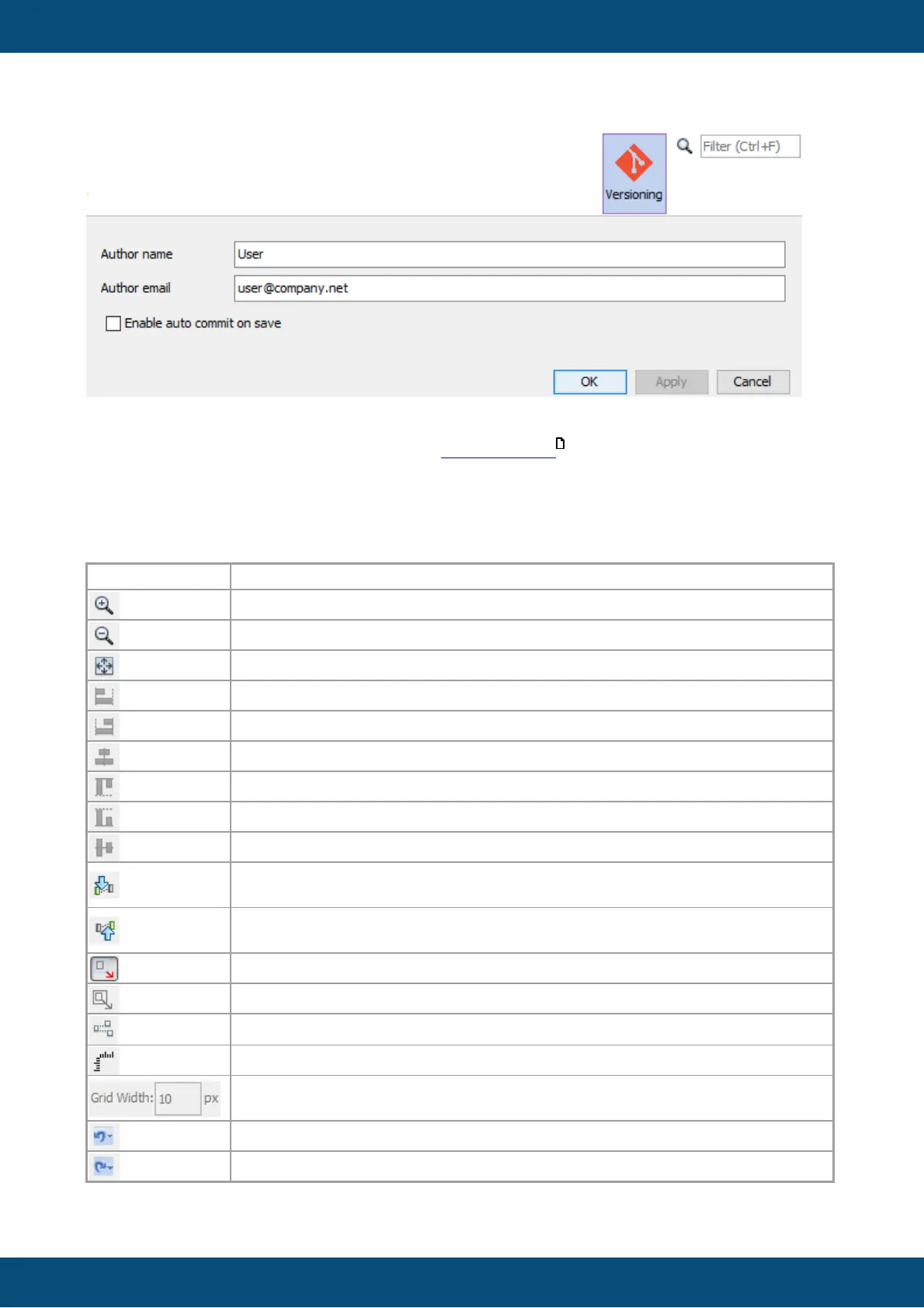
The author fields will be used as committer information for each project commit.
Enable auto commit on save means that the commit dialog isn't shown when saving the
project.
3.10
Page Editor
The Page Editor is the main window to design graphical content for the project.
It has its own toolbar:
100% scaled view in editor.
Left alignment of multiple selected objects.
Right alignment of multiple selected objects.
Horizontally centered alignment of multiple selected objects.
Top alignment of multiple selected objects.
Bottom alignment of multiple selected objects.
Vertically centered alignment of multiple selected objects.
Move the selected object one step closer to the background (changes z-
order).
Move the selected object one step closer to the foreground (changes z-
order).
When resizing an object, child objects are not resized.
When resizing an object, children are resized too.
Switch "Snap to object" on / off
Shows/hides a horizontal and a vertical ruler.
Allows configuration of the grid width. Furthermore snap to grid can be
enabled and disabled.
Shows a list of the last undo steps. Disabled for this version.
Shows a list of the possible redo steps. Disabled for this version.
127



 To Next Page