598
OPUS Projektor Manual
Simulations
Under normal conditions it is not neccessary to change this path. It is set by the tool installer.
Via the Browse button another path can be chosen.
If the PClient simulation does not show the housing of the device, make sure that
this path is correct.
Revert to Default
With the "Revert to Default" button at the lower left of the dialog all settings made in this dialog
can be set to the default setting.
9.2
PClient Simulation
What is the PClient Simulation?
The PClient is the application that reads and runs the saved project.
The PClient Simulation was developed to make it easy to test small changes in a project
without having to transfer the project to the device. It allows to run a version of the PClient
directly on the Windows PC with the currently active project from the tool.
The PClient Simulation shares a lot of it's code with the version installed on the devices but
since the simulation is run on a very different hardware and operating system it can not run
100% the same as on the device. Please keep this in mind and don't forget to test
everything on the final hardware. Especially file operations that contain absolute paths or
relative paths outside the project directory will not work on a Windows PC (e.g. changing
images in JavaScript with the setProperty() functions).
Additionally it is possible to start a simulation mode on the PClient running on the device. In
this mode, it is possible for applications like the Variable Simulation to connect to a
PClient running on the device. See Simulation Settings for details about how to enable
that mode.
Starting the PClient Simulation
It is possible to start a simulation of the currently active project using PClient:
·
via Simulation Toolbar
·
via Simulation Menu
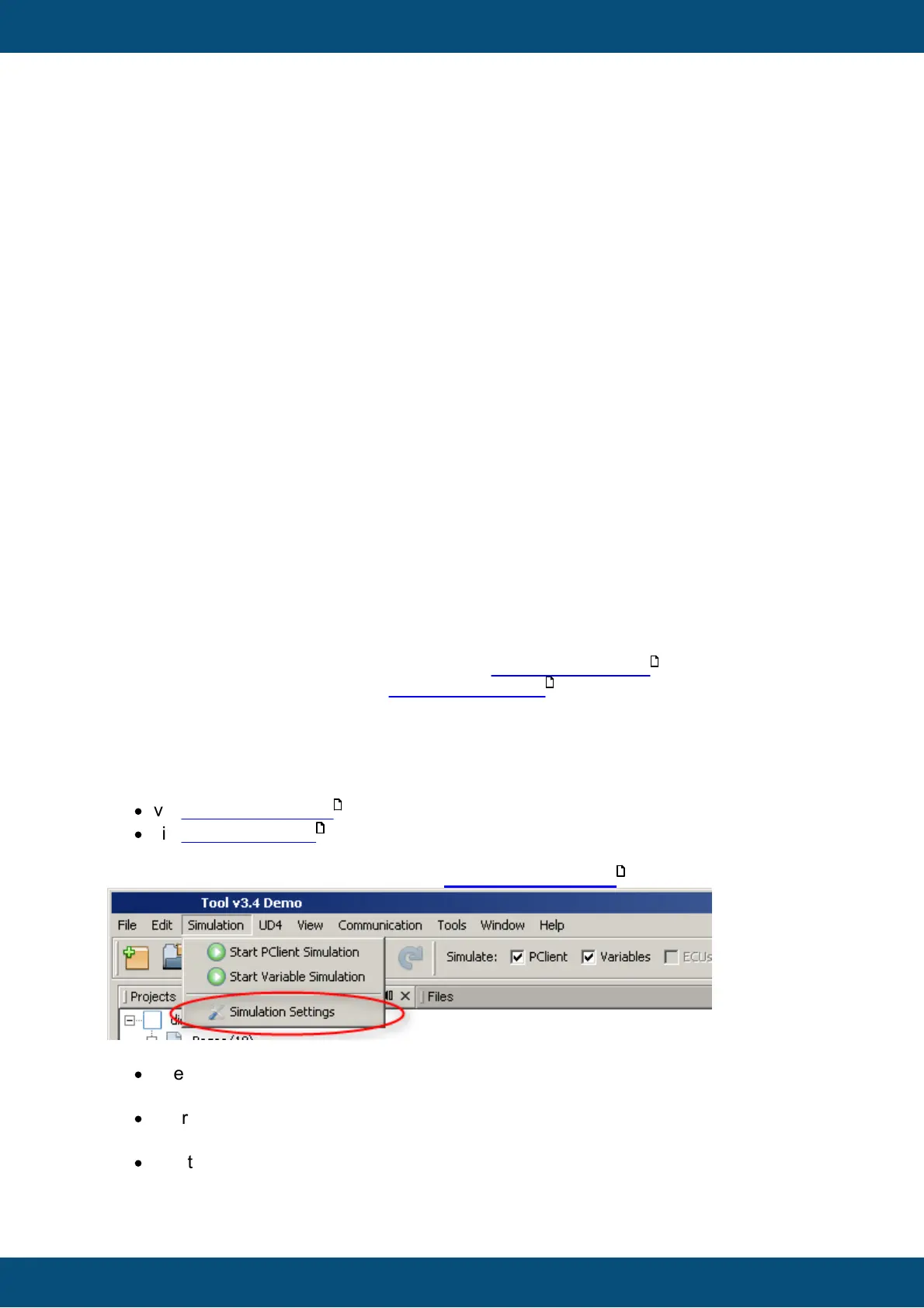
Before the simulation is started, it should be checked if the simulation settings are correct.
To do that open the Simulation Menu on Simulation Settings :
Important Notes:
·
The PClient simulation will always use the last saved version of the active project. So
make sure that the project you want to simulate contains no unsaved changes.
·
Starting PClient Simulation on PC is not possible if the connection settings are not
set to "Local PC"
·
Starting PClient the first time may take several seconds. Please be patient until it
shows up. All following starts will be significantly faster.
601
596
598
599
596



 To Next Page