63
OPUS Projektor Manual
User Interface
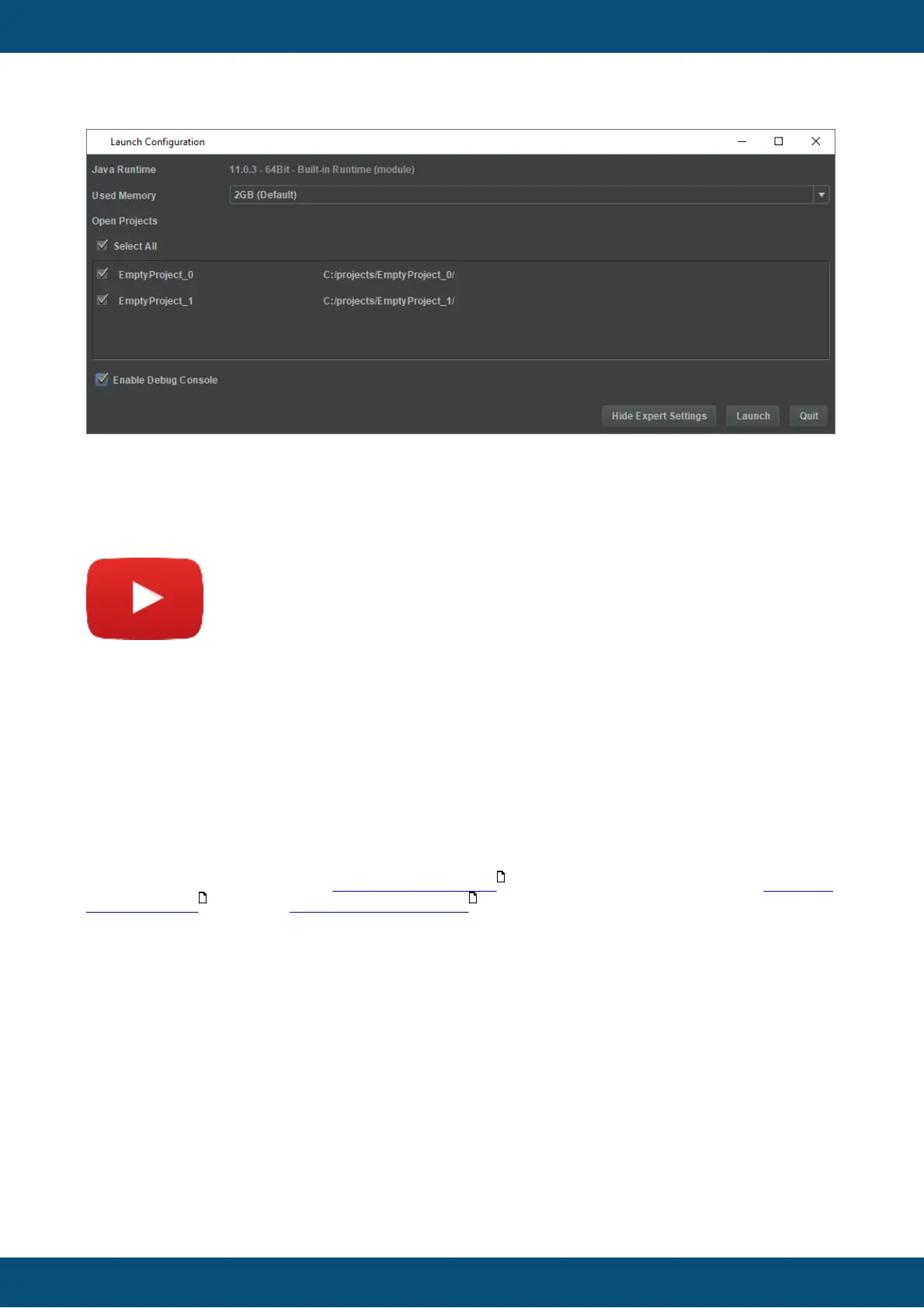
The Show Expert Settings button shows a check box to run the program with a debug
console. This is mostly helpful if something goes wrong repeatedly to get more information on
an exception or crash.
3.8
Licensing
Tutorial video about how to get a license
https://www.youtube.com/watch?v=LsO0v44J6YE
The program has to be licensed to be fully usable.
In the current version, the demo has the following limitations:
- Only up to 2 pages can be created
- Only up to 5 variables can be created
Projects that exceed these limitations can be opened, modified and saved, but they cannot be
downloaded to the device / USB stick.
The license can also unlock all >2400 ISO symbols to be used in the program, the DBC file
import feature and the Ethernet Camera Tool . These licenses are sold separately.
To get a license, three steps are necessary:
1. Create a key file
Open the menu Tools -> Generate Key File
135
381 790



 To Next Page