606
OPUS Projektor Manual
Simulations
9.3.1
Variable Simulation Toolbar
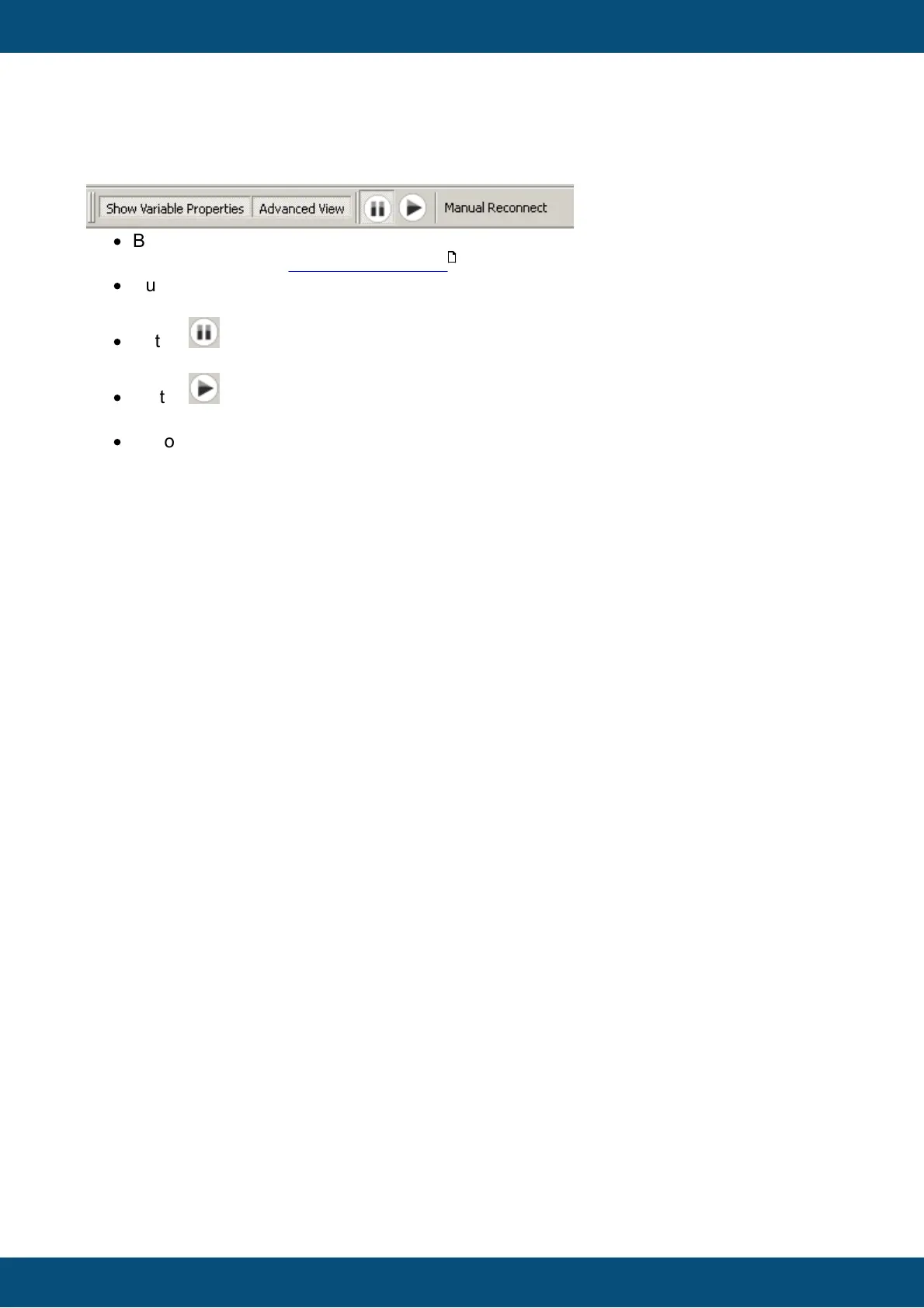
The tool bar of the variable simulation contains the following elements:
·
Button "Show Variable Properties"
With this button the Variable Properties view can be shown or hidden.
·
Button "Advanced View"
With this button the Advanced view can be shown or hidden.
·
Button
Use this button to pause all automatic value generators
·
Button
Use this button to continue all automatic value generators
·
Button "Manual Reconnect"
This button can be used to manually reconnect to a running PClient. If any settings were
changed, a popup asking to save the settings will pop up before the reconnect is done.
614



 To Next Page