781
OPUS Projektor Manual
OPUS devices update manual
14.4.3
Manual update of the boot loader and service ramdisk (OS 1.x)
If the wrong boot loader and/or service ramdisk have been installed (e.g. A6 files on A3 or
vice versa), you need to install the correct boot loader / service ramdisk file manually.
For OS 2.x this doesn’t work anymore because the filenames containing the display name
prohibit a wrong installation.
14.4.3.1
Manual update of the boot loader
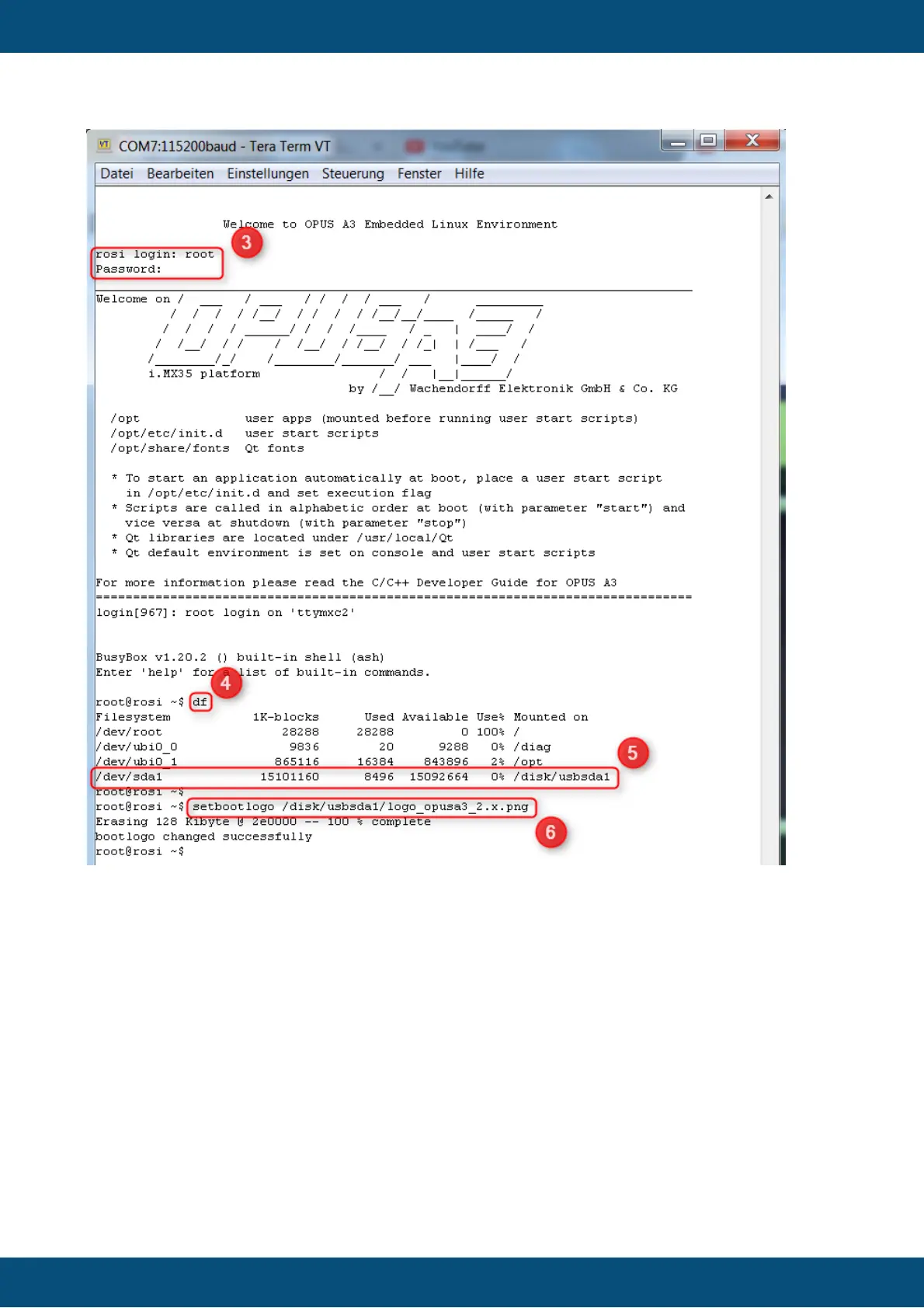
1. Connect to the serial console of the powered device (see chapter 4.1). Be aware that
this doesn’t work with the program PuTTY! Hyperterminal and Tera Term will work.
Then unplug the power from the device and be sure the shell program is in focus on your PC.
2. Press CTRL + C on your keyboard, hold it pressed and then power on the device. If you
were successful you will see the following screen:



 To Next Page