430
OPUS Projektor Manual
Object Reference
6.2
Events and Actions
With events and the corresponding actions, dynamic behavior can be added to a project.
Almost all objects support a certain set of events. For these events certain actions can be
configured.
This chapter lists a description of all available events and actions. What event and what action
is supported by an object, can be found in the documentation for that object.
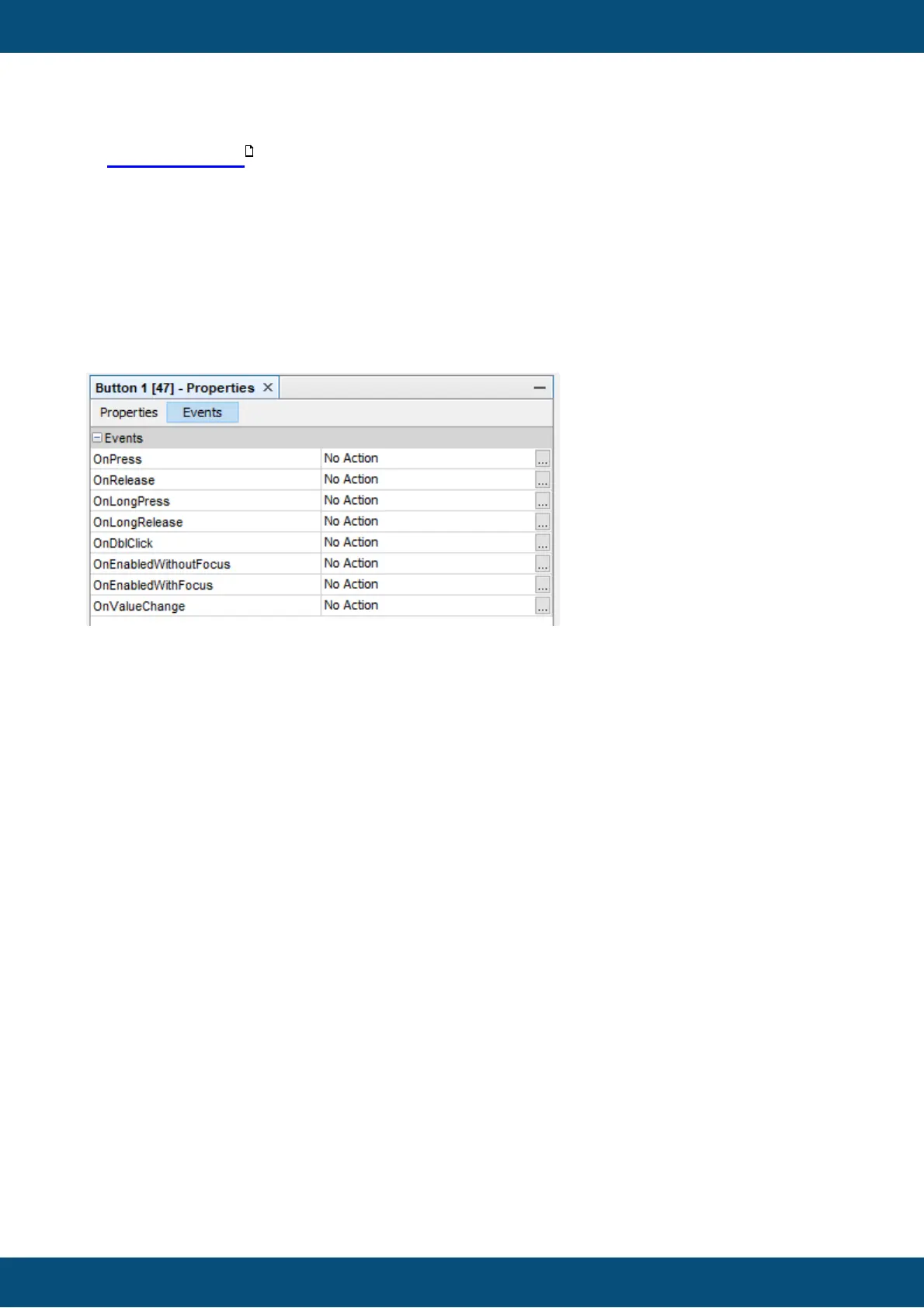
To assign an action to the event of an object, select the Events tab on top of the property table
of the selected object.
Then press the ... button of the event that shall be configured.
Note: Events that are specific to CAN protocols are explained in the protocol's manual
chapter.
Event Options
For some events a repeat period can be configured (e.g. OnProjektRepeat or
OnPageRepeat).
446



 To Next Page