391
OPUS Projektor Manual
CAN
#Name=engine searches for all mappings that contain the character sequence "engine"
anywhere in the mapping name or variable name
Note: Search terms can be combined (AND) by typing them one after another:
#CAN-ID=0x7e5 #Name=engine searches for all mappings with ID 0x7e5 that have engine
in the mapping name or variable name
Note: Invalid search terms will be ignored, e.g. the upper search term combination in the
Variables tab will ignore the #CAN-ID search term.
Note: The search terms are case-sensitive.
Additional information
·
The "producer" property of a message will be set as the "Receive From" value in a Receive
mapping
·
The "consumer" property of a message will be set as the "Transmit To" value in a Transmit
mapping
·
Scale and Offset of CAN messages will be imported as scale and offset 2 properties for
CAN mappings. Offset1 is only populated if the DBC file was created by the program in
version 2020.4 or higher
Finish
Only when there are no conflicts, the import process can be finished by clicking Finish.
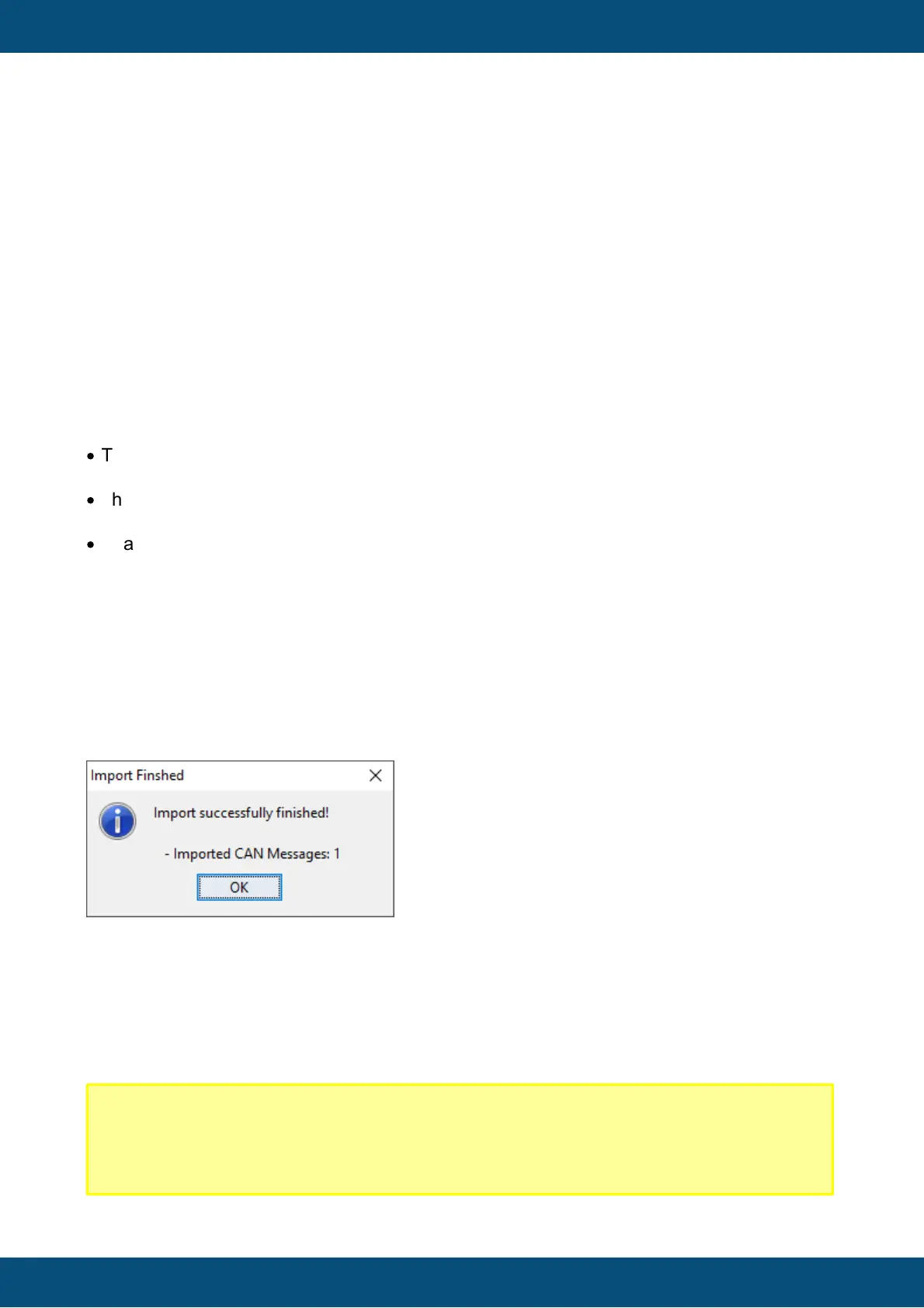
Then a dialog will be shown with an overview of what has been imported.
The import process can be canceled at any time by clicking Cancel.
5.5
Export DBC File
Please note that this feature has to be bought first. Contact your vendor to obtain a license.
Without a license, it is not possible to export into a DBC file.
Disclaimer!
We try to adhere to the DBC file format as well as possible. If you find that an
exported DBC file from our program, please contact the technical support from your
vendor with your project, the DBC file and a description what is missing or wrong.



 To Next Page