392
OPUS Projektor Manual
CAN
To start the export, open the dialog under the menu Communication -> Import-Export ->
Export DBC File.
Note that the dialog can only be opened with an opened project.
The export process is done in two steps.
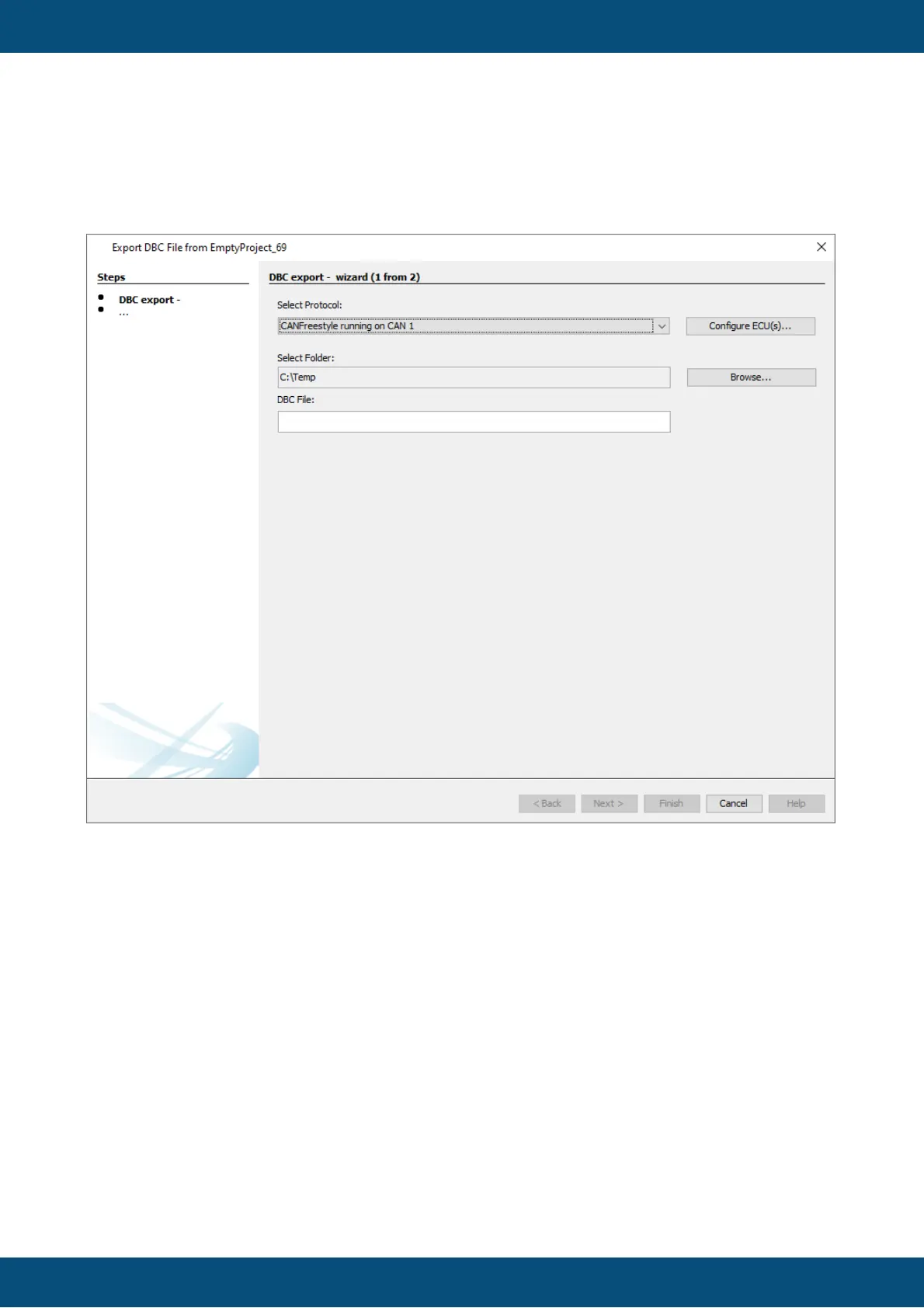
In the first step, a CAN protocol needs to be chosen and a DBC file name is given.
In the second step, the CAN messages and variables to be exported are selected.
1. Select Protocol and File for Export
If no CAN protocol has been added to the project, an export of a DBC file isn't possible, so
first at least one CAN protocol has to be added.
The Configure ECU(s) dialog can be reached with the button "Configure ECU(s)...".



 To Next Page