653
OPUS Projektor Manual
Device Software Update
No, it is not possible. Please connect only 1 device to CAN network when a project
update is performed.
Why is the project not updated on the device via USB drive?
1. Please check if the the folder "updater" is created on the USB drive properly as
described here .
2. Please check the value of the predefined variable @EnableUpdater .
10.2
OS / PClient Update
This feature provides the copying of all necessary files in an easy way to a USB drive for a
device update. Read more about the update process here .
You can choose 2 options:
- PClient update and/or
- OS update
Afterwards the USB drive can be plugged into the device. When device is booted in service
mode, the new OS version and/or PClient version will be installed automatically. The dialog to
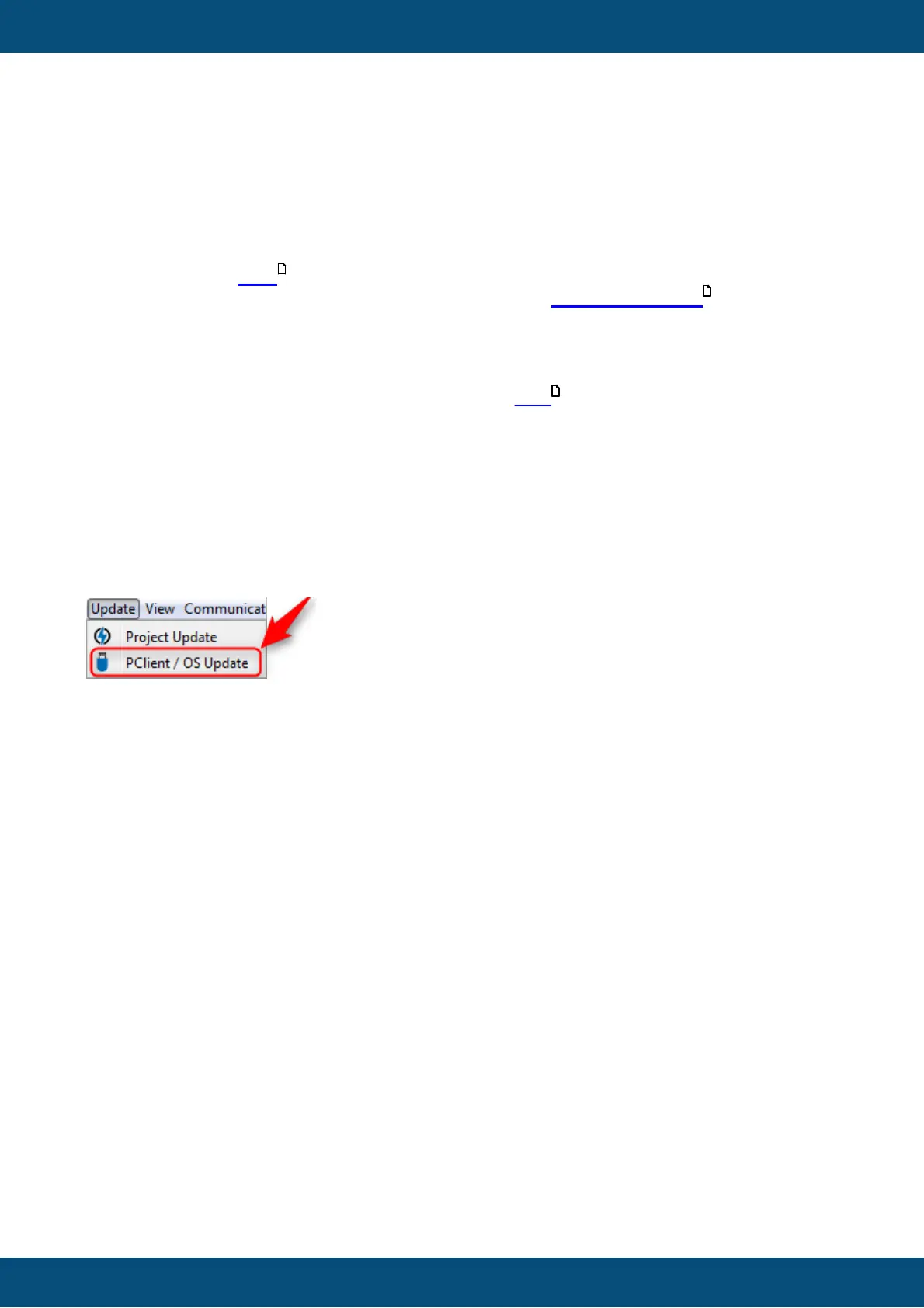
create a bootable USB drive is located in Menu - Update - Update PClient / OS.
Create Bootable USB Drive Dialog
When the menu entry Menu - Update - Update PClient / OS is clicked, the following
dialog appears:
619
644
768



 To Next Page