54
OPUS Projektor Manual
User Interface
This order can be changed by scrolling the mouse wheel while hovering over one of the
selected images with CRTL key being pressed.
This multi selection can also be used to select several images as favourites or to quickly
empty (and thus close) the favourites tab.
3.5
Image Pool
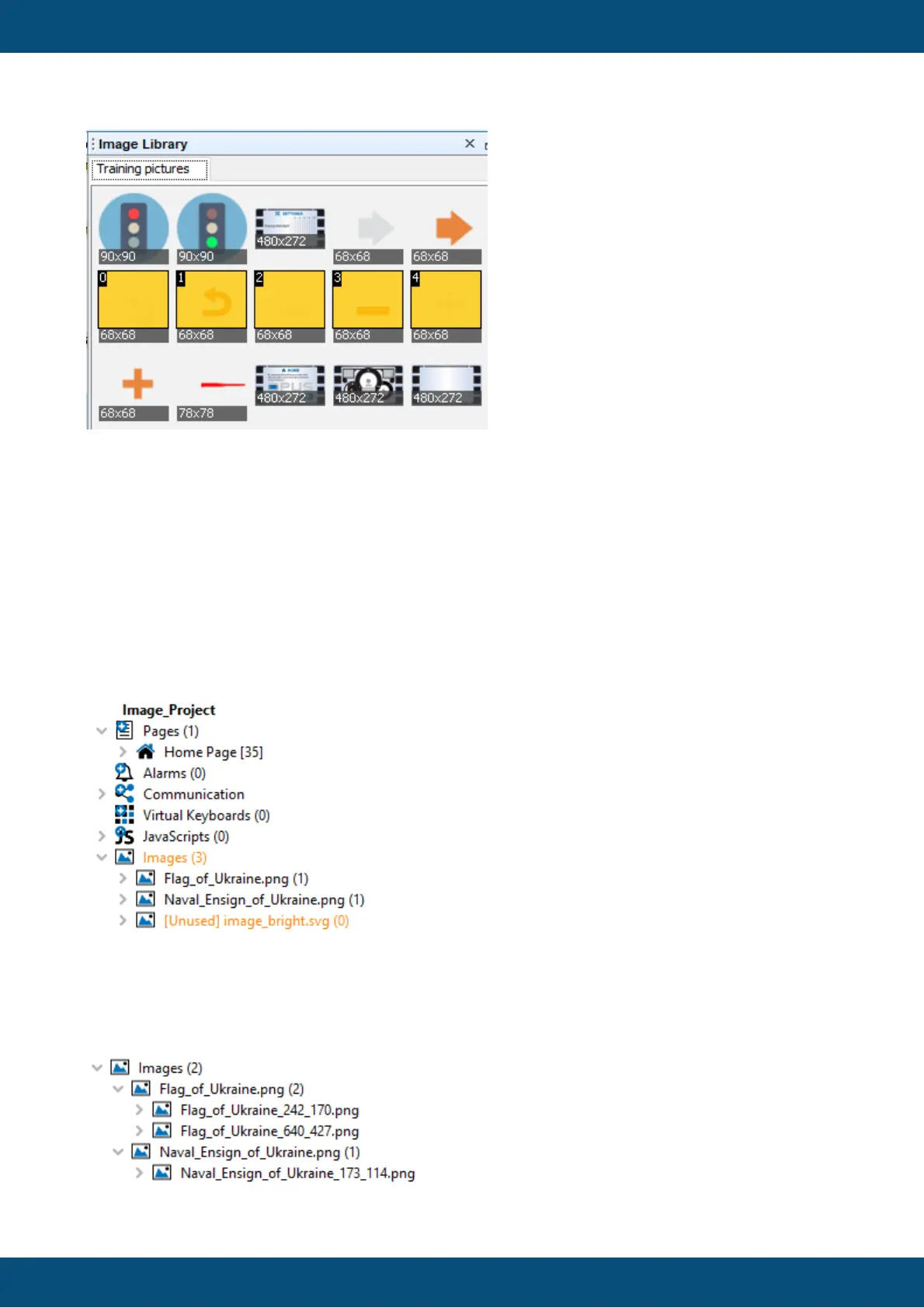
The project tree now shows a new node called Images. This node shows all Original Images
of the project as well as all Scaled Images of an Original Image.
The new Images Node is shown on the first hierarchy level below the JavaScripts Node.
It also shows the number of images in the Image Pool in brackets (3 in the image above).
For each original image in the Image Pool, it shows the scaled images as they are used in the
project as its children.



 To Next Page