660
OPUS Projektor Manual
Miscellaneous
11
Miscellaneous
11.1
Online Update
With this version we are introducing the possibility to receive online updates of the program.
These can be bug-fixes, new features or updates of the device software.
Please note: The update is modular, but it always comes in one package, i.e. you cannot
update only some of the parts that are updated, either you keep the version you have or you
update to the new one available.
Please note: If OS or PClient files are updated, they will overwrite the existing files. If you still
need the old versions, please create a backup for yourself. The OS and PClient files can be
found in the user folder under the program name, then in extracted components and then os /
pclient.
Please note: During deinstallation of the program, the version shown will be the version
originally installed, not the version reached through the online updates.
Please note: Files that were downloaded for the online updates will not be deleted during
deinstallation, as they were not part of the original installation. If needed, delete these files
yourself.
Settings
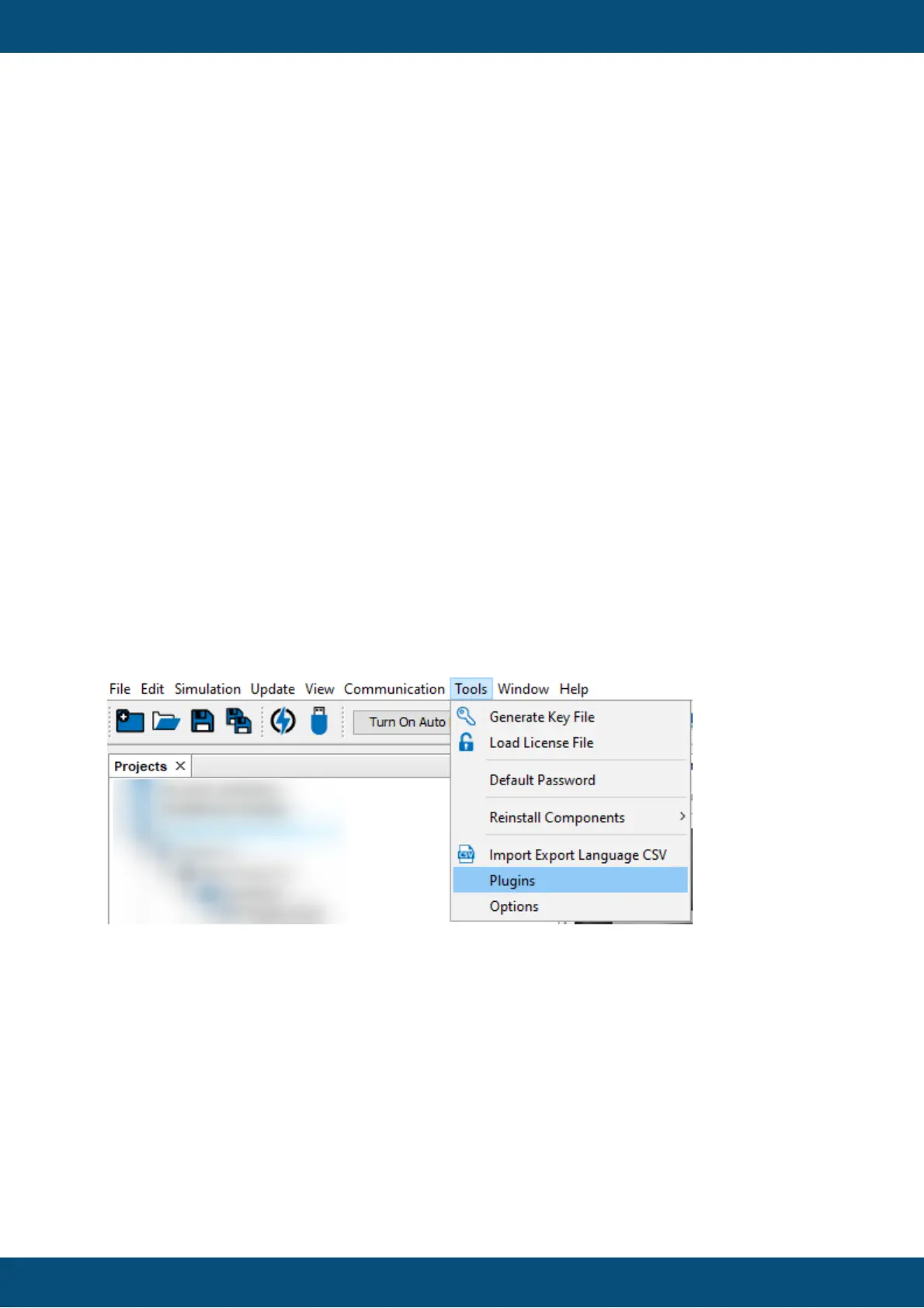
All relevant settings can be made in the menu Tools -> Plugins.
In the Settings tab, the URL for the update check is set. Normally this setting should not be
modified by the user.
In the bottom, the interval for the check of available updates can be changed. By default, the
program will check for updates at every startup.



 To Next Page