46
OPUS Projektor Manual
User Interface
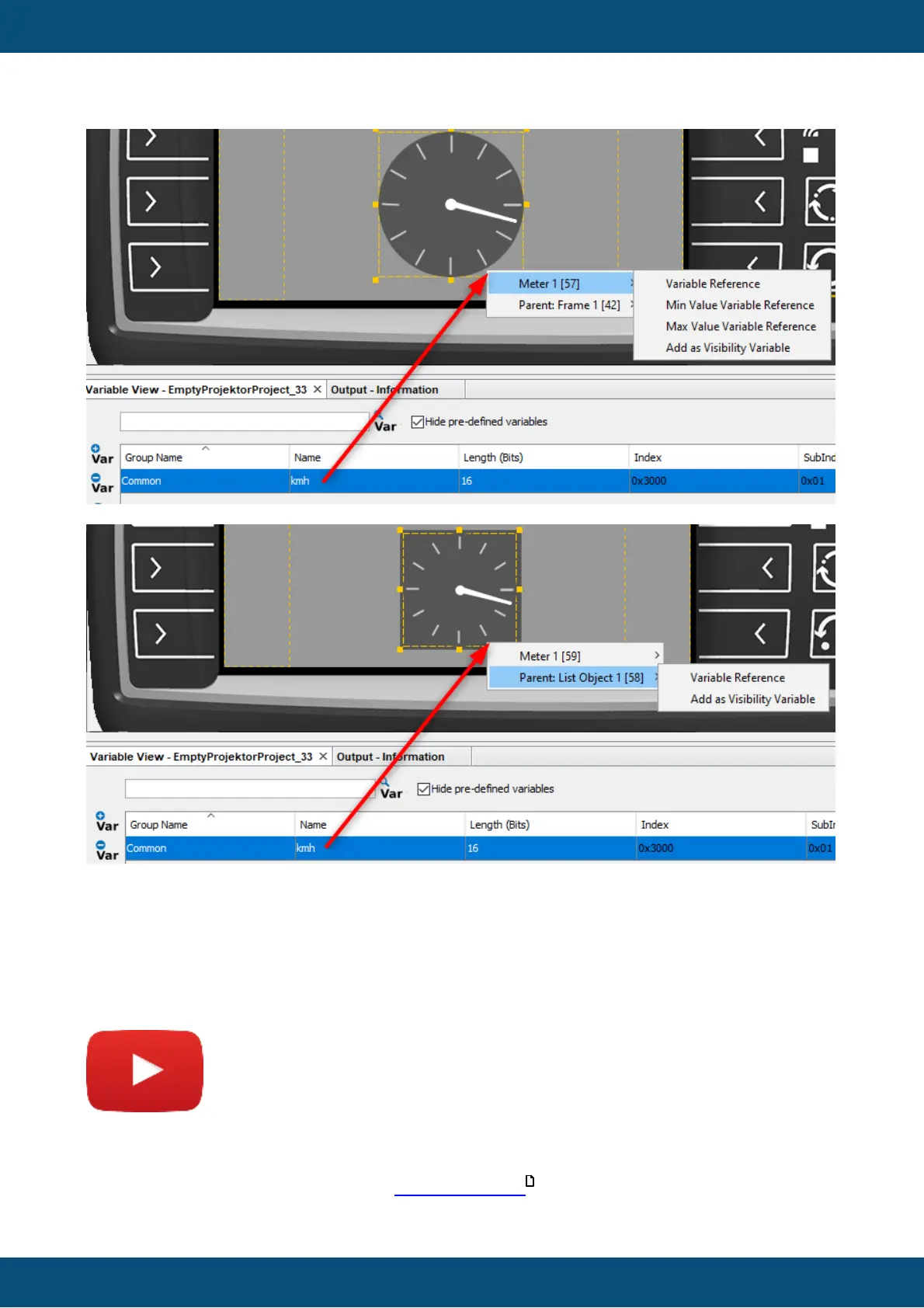
Please note that the context menu only covers the the child object and the first parent, i.e. the
parent of the list object itself is not included anymore.
Objects that don't have the possibility to add the dropped element, will not be displayed in the
first level of the context menu.
3.4
Image Library
Tutorial video of the Image Library
https://www.youtube.com/watch?v=IjAdGKhiNks
The image library can be used to quickly access images from folders, skipping the step to
manually load images one by one with Picture Graphic objects.
496



 To Next Page