45
OPUS Projektor Manual
User Interface
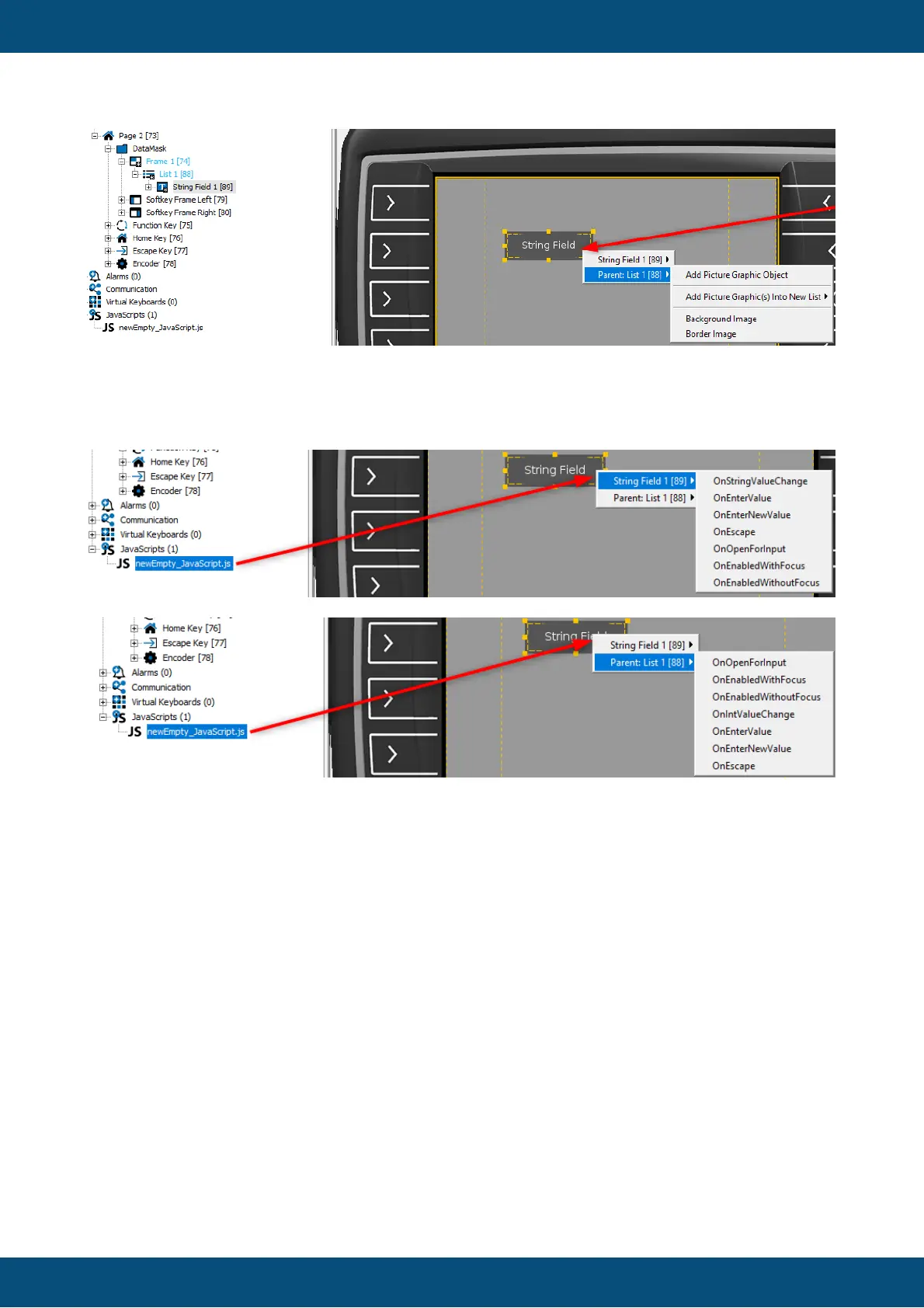
The same goes for JavaScripts. The first level of the context menu shows the object selection
with the child object and, if applicable, the parent object, the second level will show the
available events for the selected object.
Similarly, when a variable is dropped from the Variable View, the first level of the context
menu shows the object selection with the child object and, if applicable, the parent object, the
second level will show the available Variable Reference options for the selected object.



 To Next Page