618
OPUS Projektor Manual
Device Software Update
10
Device Software Update
10.1
Project Update
Tutorial video about the Updater
https://www.youtube.com/watch?v=eSW_P0Z3imU
The Updater is a small GUI application which allows the user to transfer a project to the
device via CAN bus or to a USB drive.
The Updater has two parts.
One part is just called Updater or HostUpdater. This is the GUI application which runs on the
PC and is described here.
The second part is running on the device and is called ClientUpdater.
How to start the Updater?
The Updater can only be started if a project is selected in the project tree. If the condition is
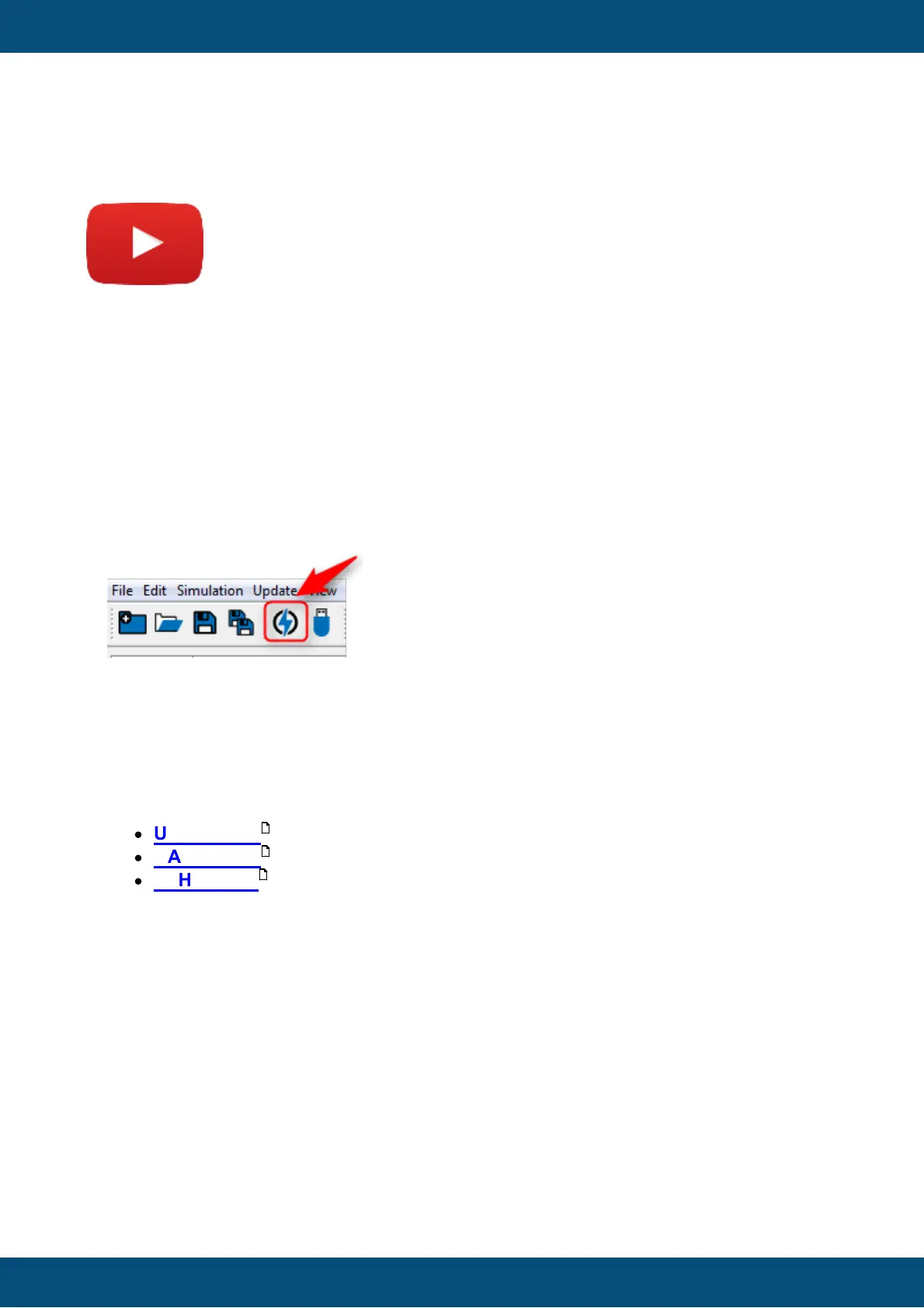
achieved, the tool bar icon is enabled.
The tool bar icon can be found here:
Updater Wizard
When the Updater icon in the toolbar is pressed, first the project will be saved, then the
Updater will be opened, which helps you to transfer the project. It guides you step by step.
First the Start Page (Wizard 1/3) is shown, where you can choose the transfer mode.
Currently you can choose between 3 update modes:
·
USB update and
·
CAN update
·
ETH update
Start Page
619
625
618



 To Next Page