393
OPUS Projektor Manual
CAN
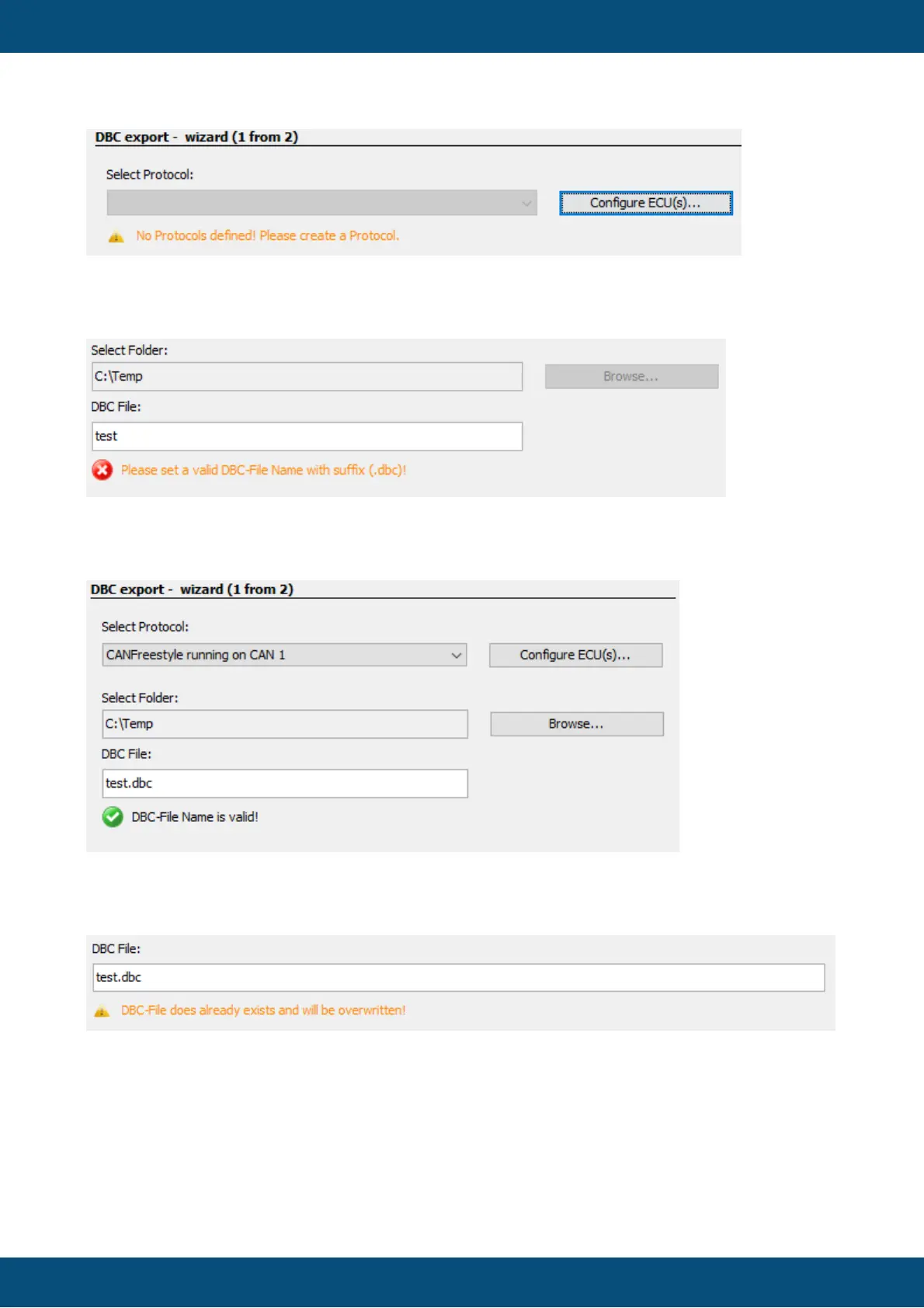
If there are several protocols in the project, one has to be chosen for the DBC export, i.e. from
which protocol the CAN mappings should be exported.
A folder to save the file in has to be selected. Then a valid file name has to be given. The file
name needs to be complete, i.e with the extension, e.g. "test.dbc".
If a file with the same name already exists, a warning will be displayed that the existing file will
be overwritten by the export.
Once all settings have been made, click Next to continue.
The export process can be canceled at any time by clicking Cancel.
2. Select CAN Messages and Variables



 To Next Page