127
OPUS Projektor Manual
User Interface
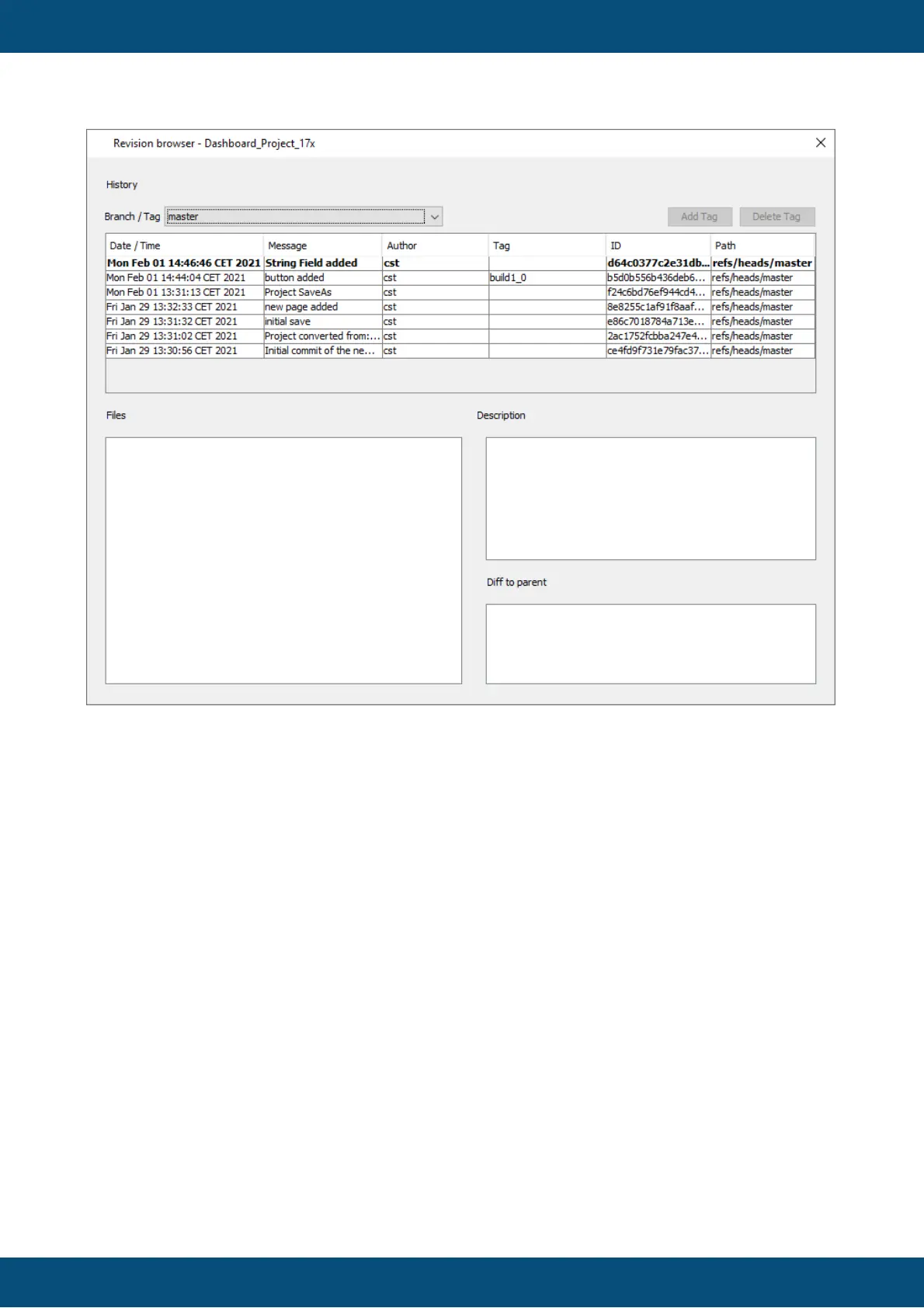
In the revision browser the different revisions of the currently selected project can be viewed.
Additionally, tags can be created, moved and deleted.
What are tags?
If you open an older revision of a project, make changes to it and try to save it, you will be
warned that all newer revisions will be lost if the save is completed.
However, it might be interesting to conserve certain project states, e.g. as delivery states as
they went to the customers.
For this purpose tags can be used.
Tags can be added to any project revision in the revision browser.
Additionally, a tag can be set in the commit dialog that appears during a project save.
Note: If you move a tag, it is possible that revisions are deleted, if they are not part of that tag,
another tag or the latest version ("master").
What is this dialog that appears upon saving the project?



 To Next Page