128
OPUS Projektor Manual
User Interface
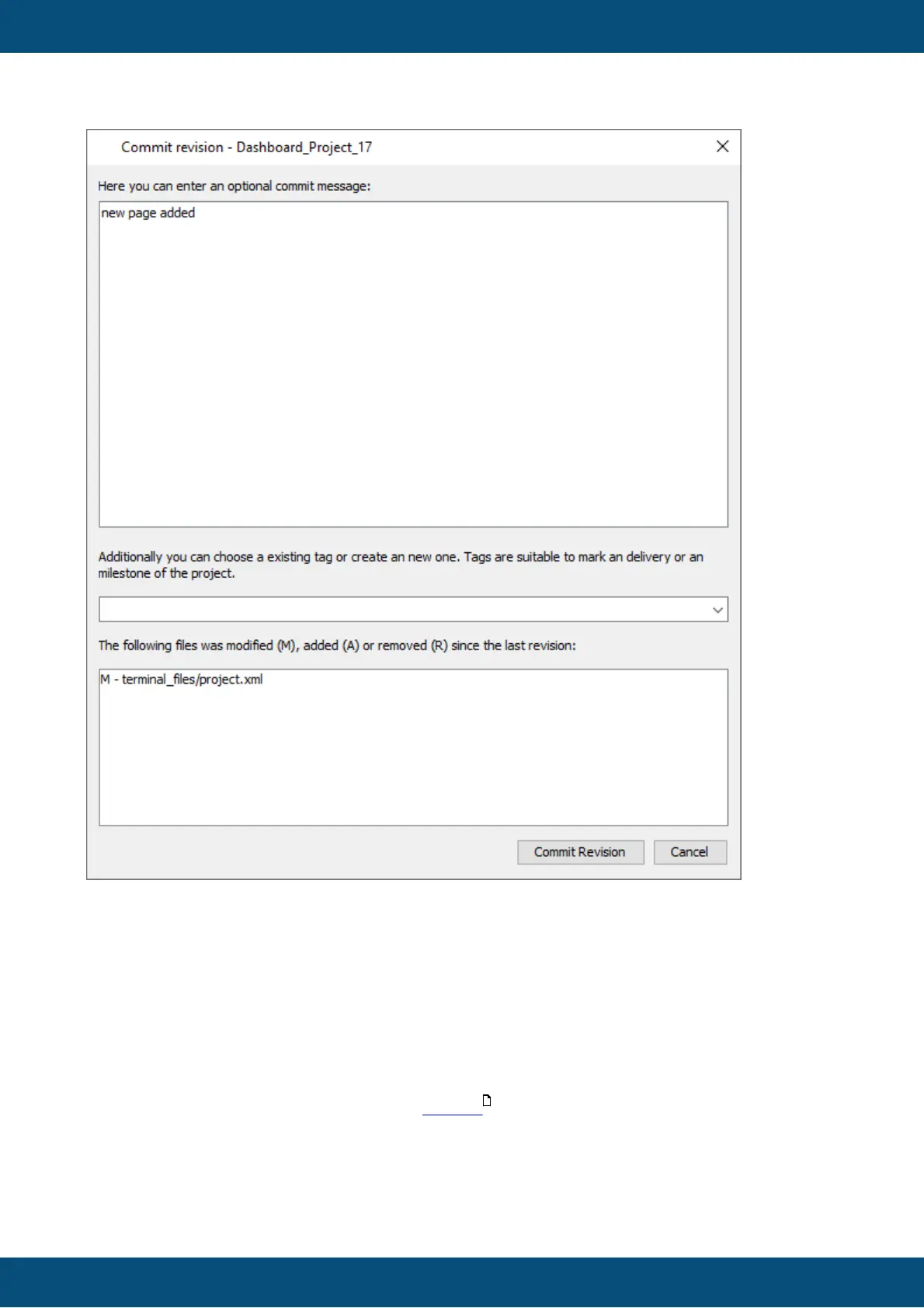
When a versioned project is saved, a revision commit dialog appears. Here the user can add
a comment to a commit and choose or create a new tag.
A click on Commit Revision commits the currently saved revision to the versioning system.
Cancel cancels the commit process.
Note: The project has already been saved at that point. The save process is not canceled by
clicking Cancel here.
Can I use versioning but not have this pesky dialog at each save?
It is possible to enable auto-commit in the options .
Note that enabling this means that no commit messages can be added to project revisions
which can reduce clarity.
It is still possible to add tags to project revisions in the revision browser.
72



 To Next Page