72
OPUS Projektor Manual
User Interface
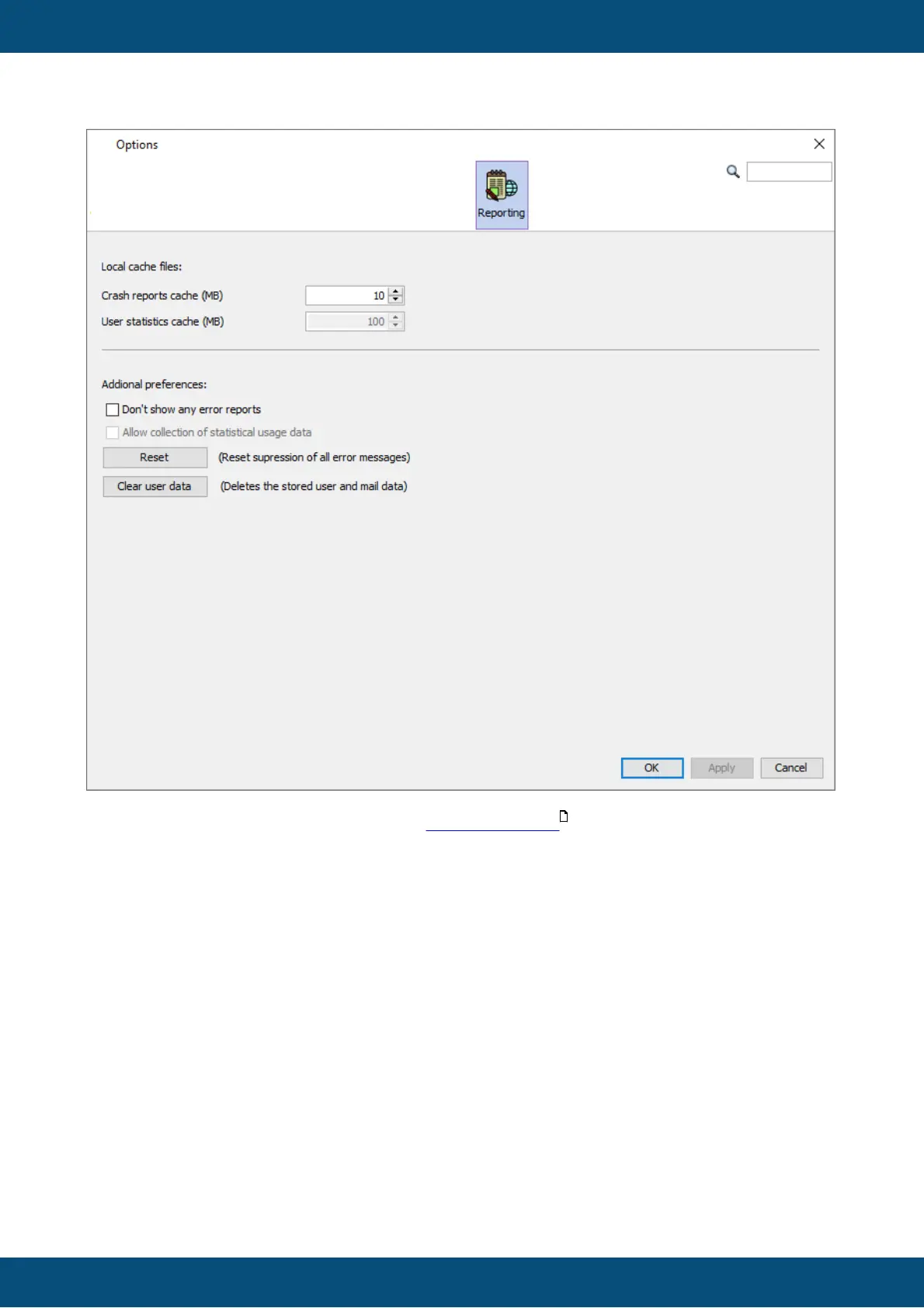
In the Reporting tab settings regarding the reporting feature can be made.
The cache size for unsent reports can be set.
A general setting to not send any reports can be made here (which we don't recommend).
Also, the supression of single exceptions which can be set in the crash report dialog, can be
reset here.
Lastly, the stored user data for reports, in form of the name and email, can be cleared.
Reporting
730



 To Next Page