71
OPUS Projektor Manual
User Interface
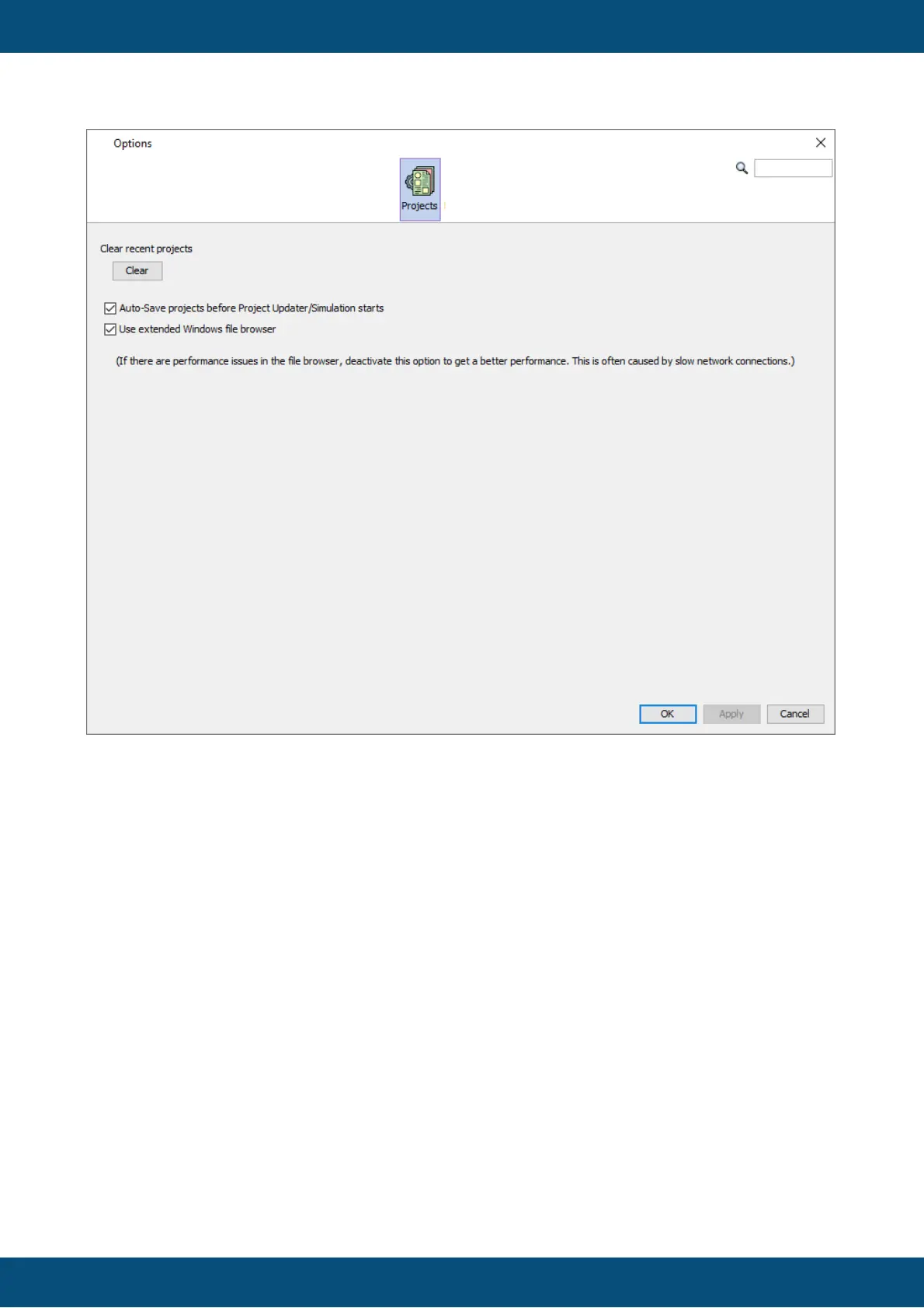
In the Projects tab the list of recent projects in the Welcome Page can be cleared.
It is also possible to enable/disable the auto-save of the current project when the Updater or
the PClient simulation is started.
Lastly, the extended Windows file browser can be disabled. This will limit the view in file
browsers to "My computer" and the current directory path. With the option enabled, Windows
Explorer favorites and all drives including network drives will be shown. Disabling the option
might help with a sluggish folder navigation.
Reporting



 To Next Page