126
OPUS Projektor Manual
User Interface
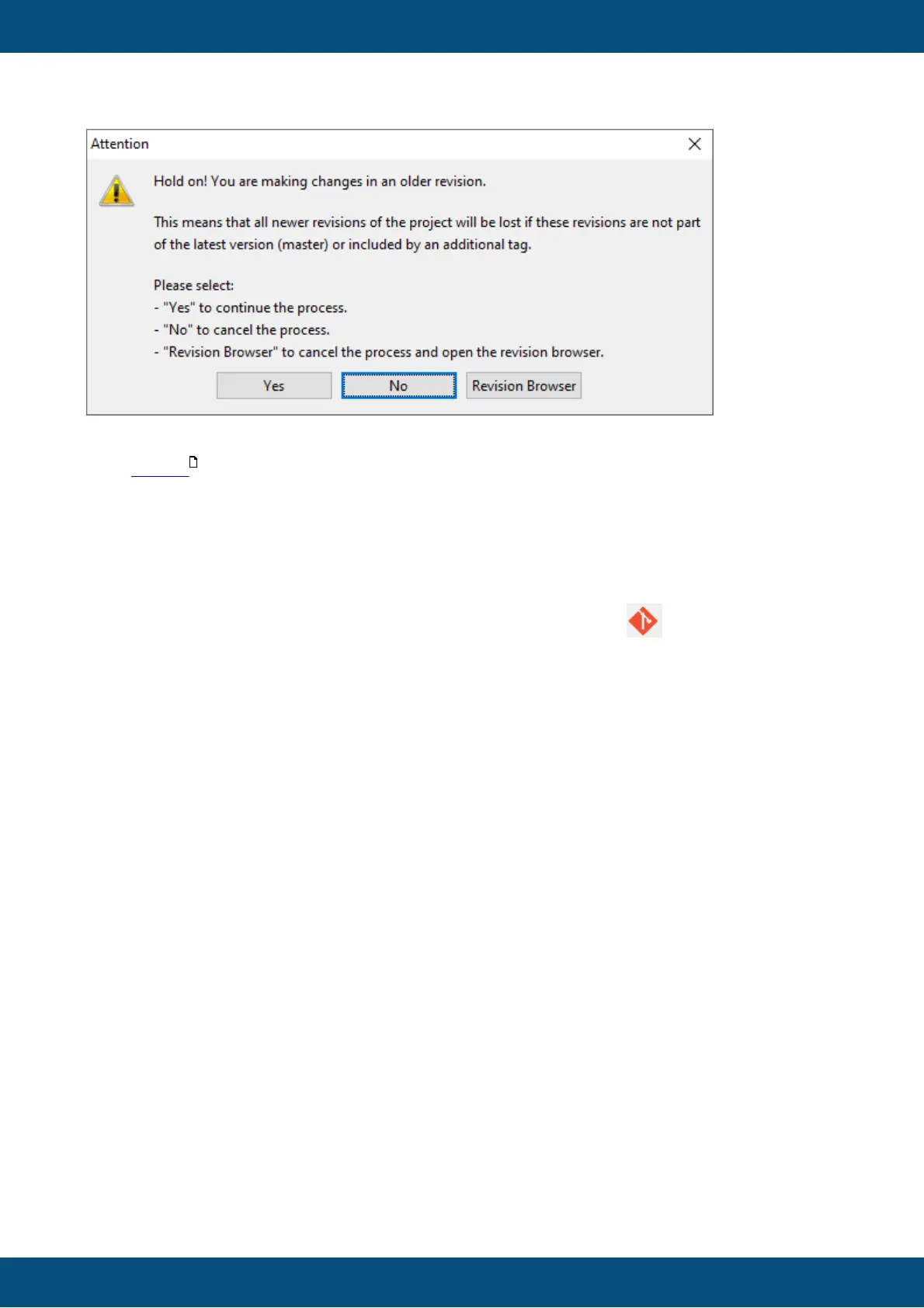
So yes, if you click yes now, all newer revisions of the project will be deleted (unless they have
been tagged ).
If you click No, nothing happens. If you click Revision Browser, the revision browser will be
opened and you can manage your revisions.
How do I use the revision browser?
You can access the revision browser by clicking on the toolbar item or through the menu
item Tools -> Revision Browser
127



 To Next Page