125
OPUS Projektor Manual
User Interface
As with the .git folder, please don't edit or remove this file.
How can I access the different stages of my project?
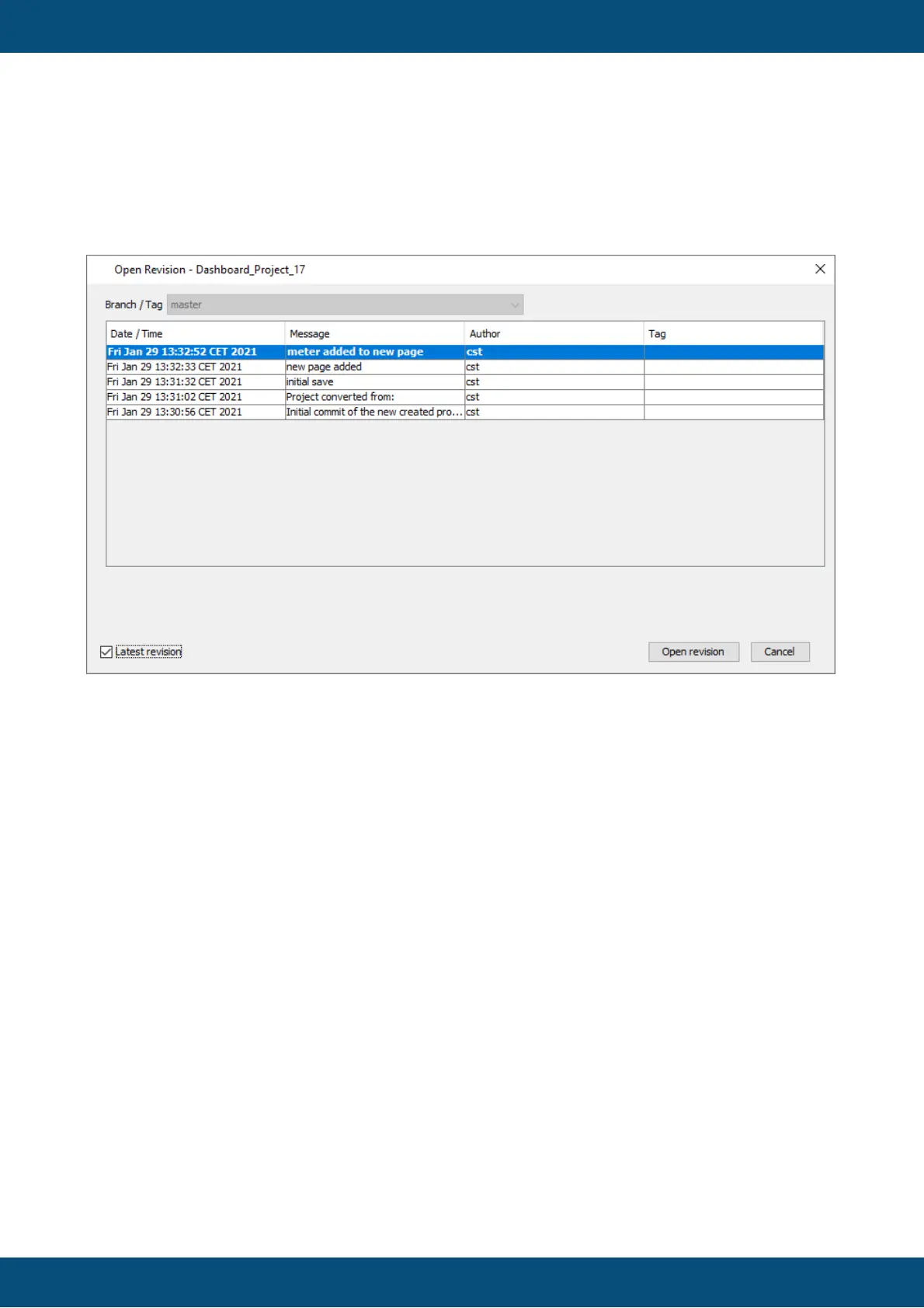
When opening a versioned project, you will see a dialog like this:
The dialog shows the different revisions of this project. A revision is a certain state of the
project, defined usually by a project save or a conversion.
If you just click "Open revision", it will open the latest revision of the project (probably the most
important use case).
If you want to access one of the older revisions, you need to uncheck the "Latest revision"
check box. Then you can select any of the revisions and load these by clicking "Open
revision".
Cancel stops opening the project.
Will I lose newer stages of my project if I open an old revision?
If you open an older revision and then try to save the project, this dialog will appear:



 To Next Page