124
OPUS Projektor Manual
User Interface
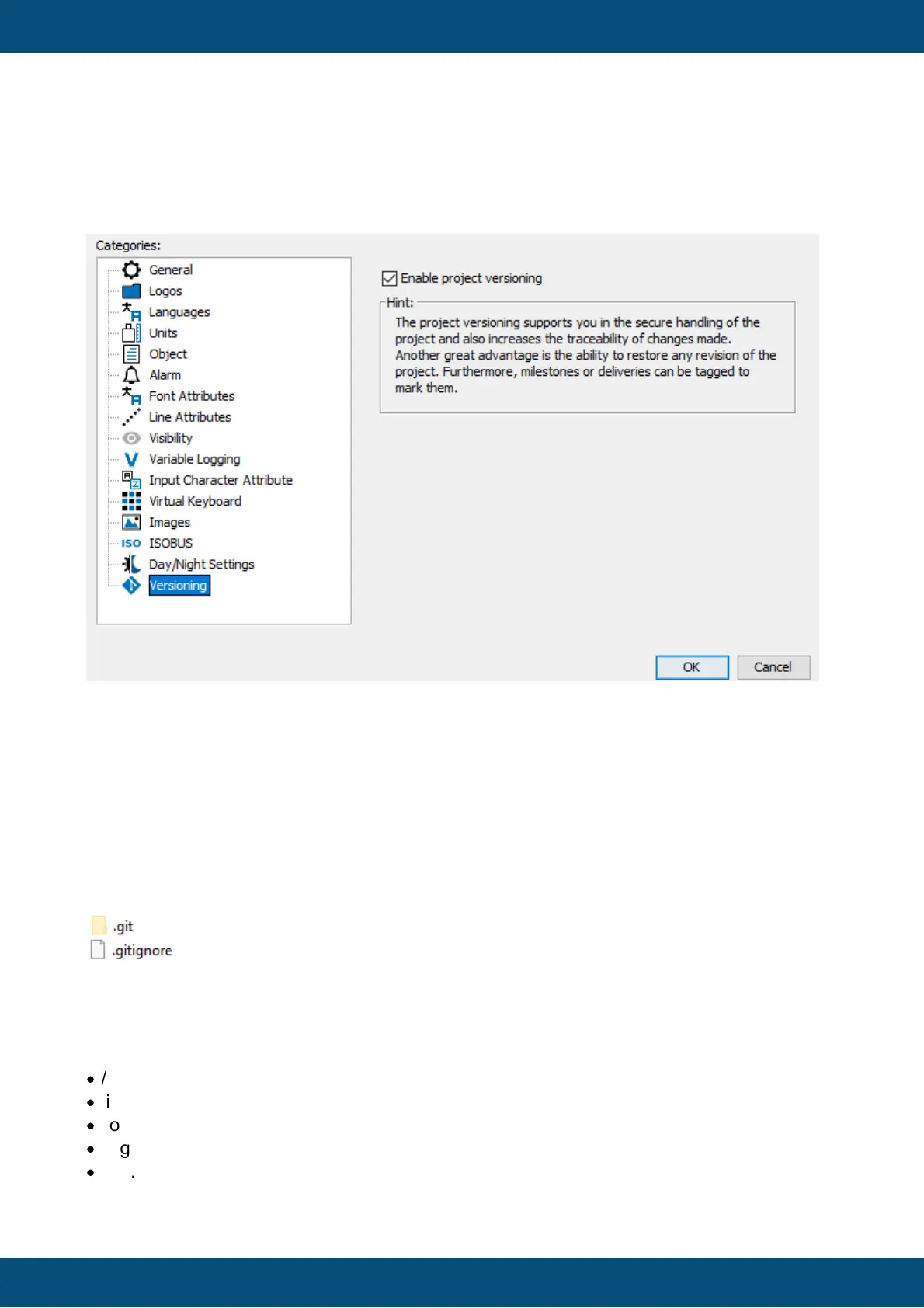
How can I turn versioning on / off later on?
Versioning can be turned on / off in the project properties of each project.
If versioning is turned off, the existing revision data is kept, so if versioning is enabled again,
all existing revisions are still available.
It is also possible to still open the revision browser to see all existing revisions. Tags can also
still be managed.
What happens in my project folder?
If you enabled versioning for a new or existing project, a folder and a file will be added to the
project folder.
In the .git folder all necessary information and data for the project versioning is located.
Please don't edit this folder or anything of its content in any way and don't delete it.
The file .gitignore states some files that are excluded from the versioning. These are files that
are not necessary for project loading.
At the moment, these files are listed in there.
·
/terminal_files.zip
·
/imported_fonts.zip
·
/log.0
·
/log.1
·
/log.2



 To Next Page