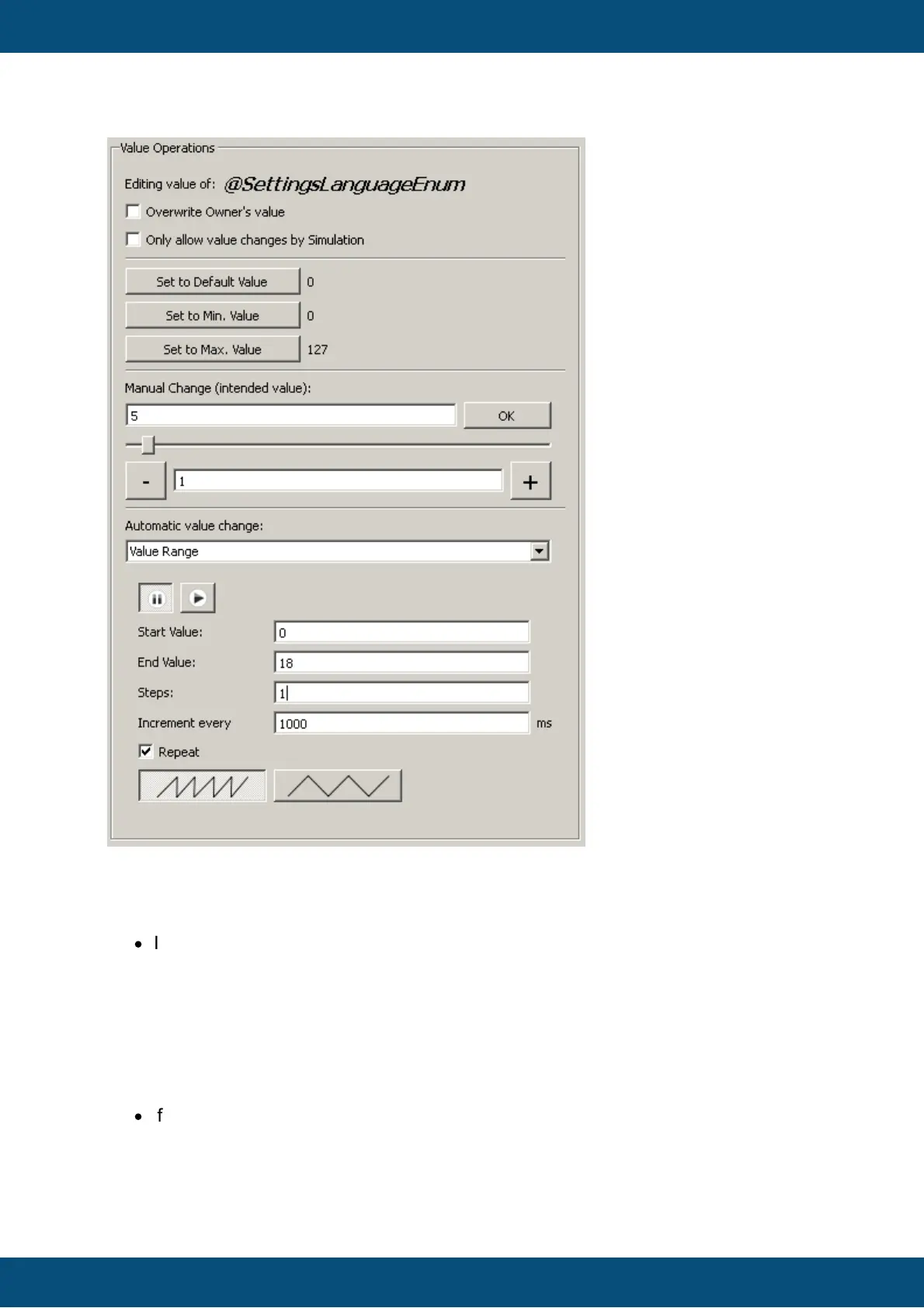
On top of the view the name of the selected variable is shown (right besides "Editing value
of:").
Below that the checkbox "Overwrite Owner's value" is located. This is an important
setting for each variable whose owner is not the PClient:
·
If the owner of that variable is running and connected to the PClient
o checkmark is not set:
A request to update the value of the variable is sent to the owner and the owner
decides if the value is valid and accepts or declines it
o checkmark is set
No request will be sent to the owner but internal variable value will be overwritten.
E.g. the value of a variable owned by a CAN ECU will be overwritten with the
configured value in the simulation regardles of what was received over CAN bus.
·
If the owner of the variable is not running
o checkmark is not set:
Changing the value in the simulation will have no effect
o checkmark is set:



 To Next Page