Here it is possible to clean up the folders "original_images" and "terminal_files" to delete
unused images.
1. If an image is added to a project the original image will be added to "original_files"
folder. Additionally the scaled or modified image is added to "terminal_files" folder.
When the project is updated (objects are deleted) it could be that images will be removed
from "terminal_files" folder and the original image is not used anymore.
In this case it could be helpful to delete unused original images.
2. Normally the "terminal_files" folder is automatically cleaned up. But if images have been
manually copied to this folder, the user has the possibility to remove them.
NOTE: Please never manually copy images to "terminal_files" folder. This folder is
completely maintained by the application.
If you do anyway please be aware that the files will not be used by the application and disk
space is lost on the target device when project is downloaded.
HINT:
Original Files: On clicking "Clean up" (1) all unused images with file extension (jpg, jpeg,
bmp, png, gif, svg) will be deleted in "original_images" folder.
Terminal Files: On clicking "Clean up" (2) all unused images with file extension (png, gif,
svg) will be deleted.
For more information about "Image Handling" please refer to the Image Handling
Chapter.
For OPUS A6G2, OPUS A8, OPUS B3, X18 and X40, ISOBUS projects can be created,
see here .
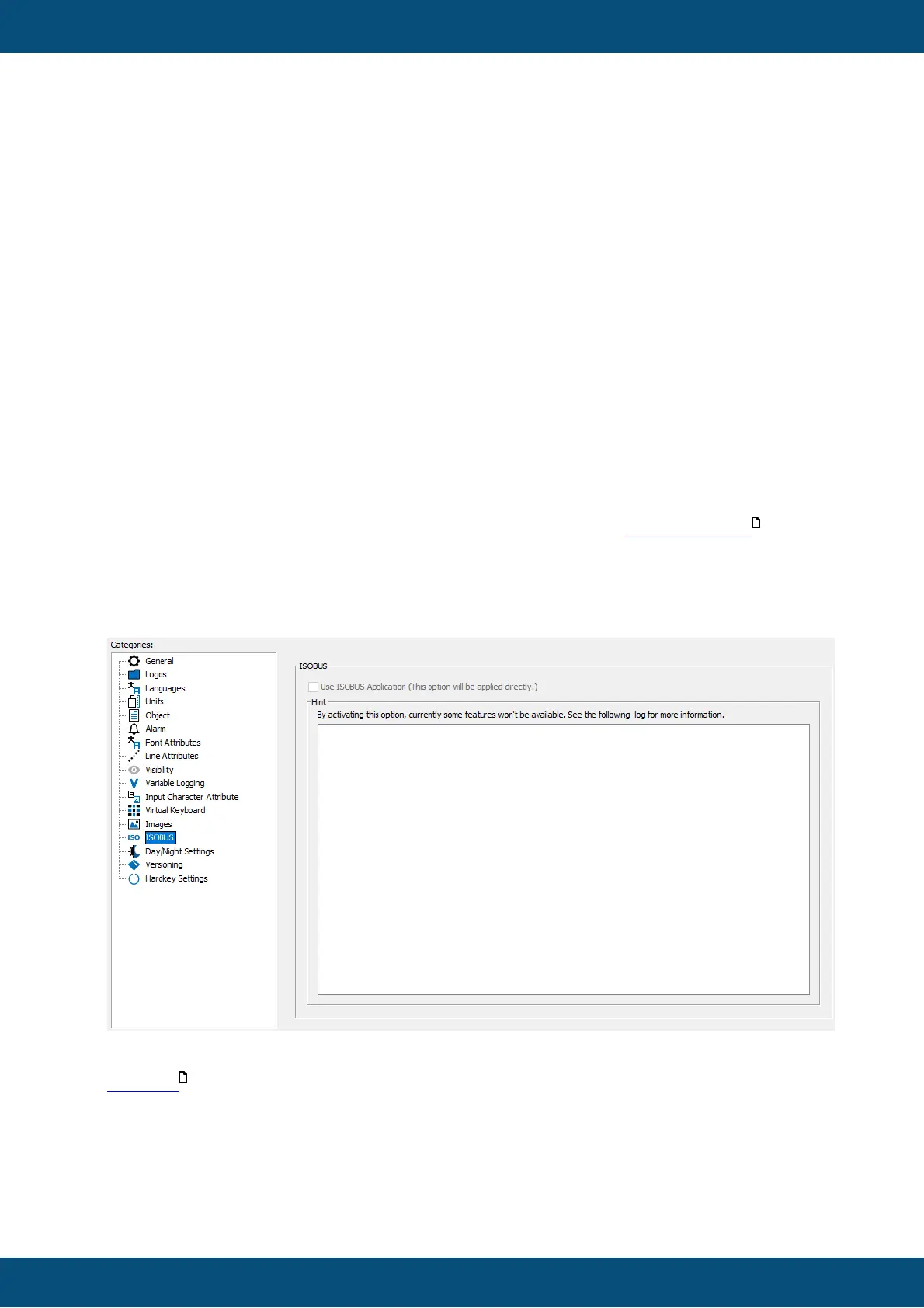
The ISOBUS functionality can be viewed in this category.
The media player and variables that are not available for ISOBUS devices will be
deactivated when an existing project is converted to an ISOBUS project.



 To Next Page