147
OPUS Projektor Manual
User Interface
Full live search field. You can search for "Group Name", "Name", "Index" and "SubIndex".
Results will be filtered live as you type
Additional columns. Here you can choose to show more than the default columns.
Main list. If you click on the header of the columns you set the order of the entries. Please
note that you can only sort by one column.
Hide / Show pre-defined variables.
If you have selected a variable within the list and click right you will get the following context
menu.
The same like you press the add variable icon
The same like the delete icon
Here is the quick jump to the variable manager where you can do more
detailed settings for the variable
Select a variable and look for the connected GUI Elemets and CAN
Mappings.
The same as you where clicking the additional columns icon.
Variable View Config
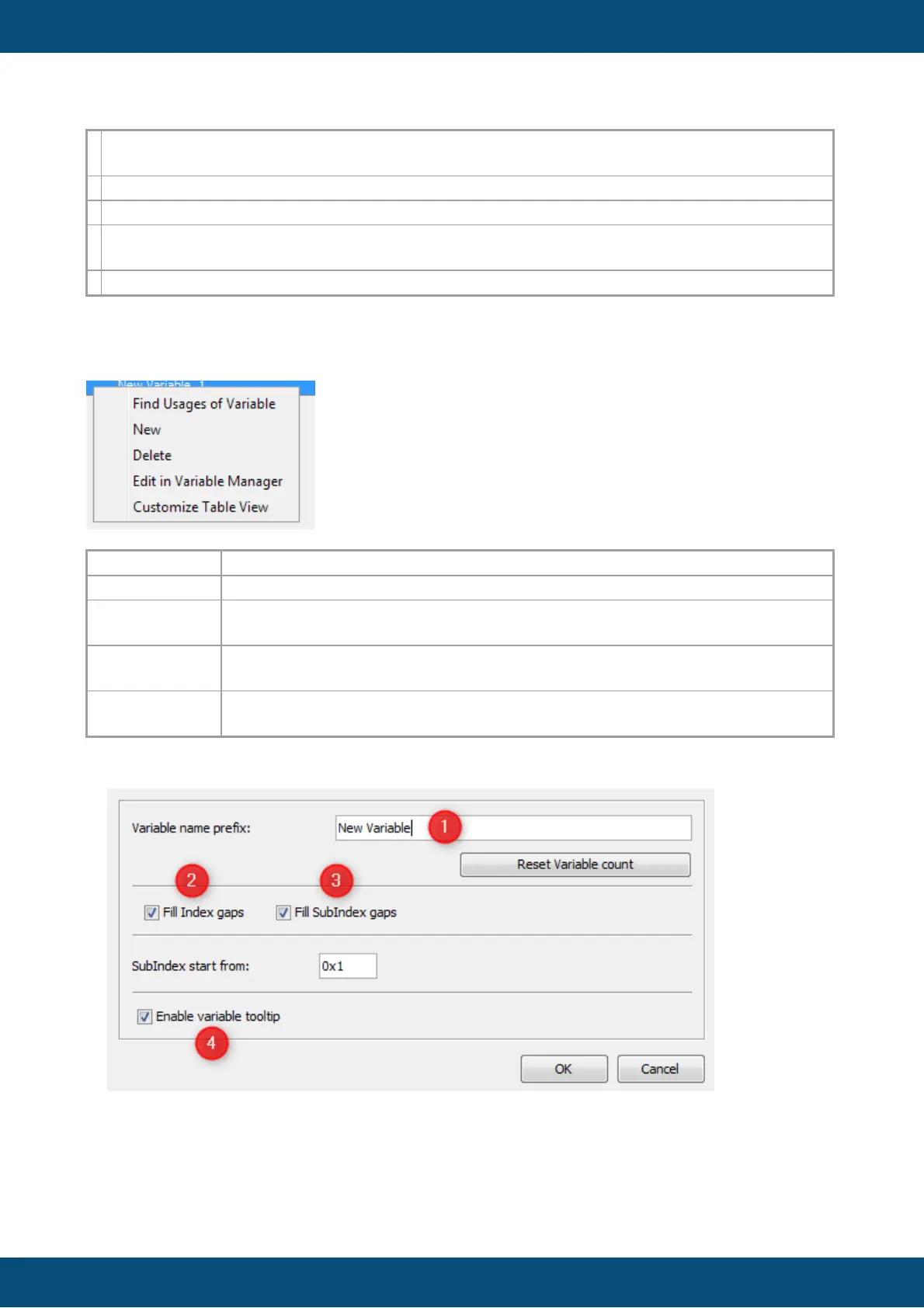
The variable view configuration is mainly for setting up the quick adding of variables. You
can define a prefix (1) which is filled up with a number. This is causing names like "New
Variable1", "New Variable2" and so on. The number count can be reset by pressing the
button "Reset Variable Count". This reset has nothing to do with the variable id or other



 To Next Page