113
OPUS Projektor Manual
User Interface
·
Disabled
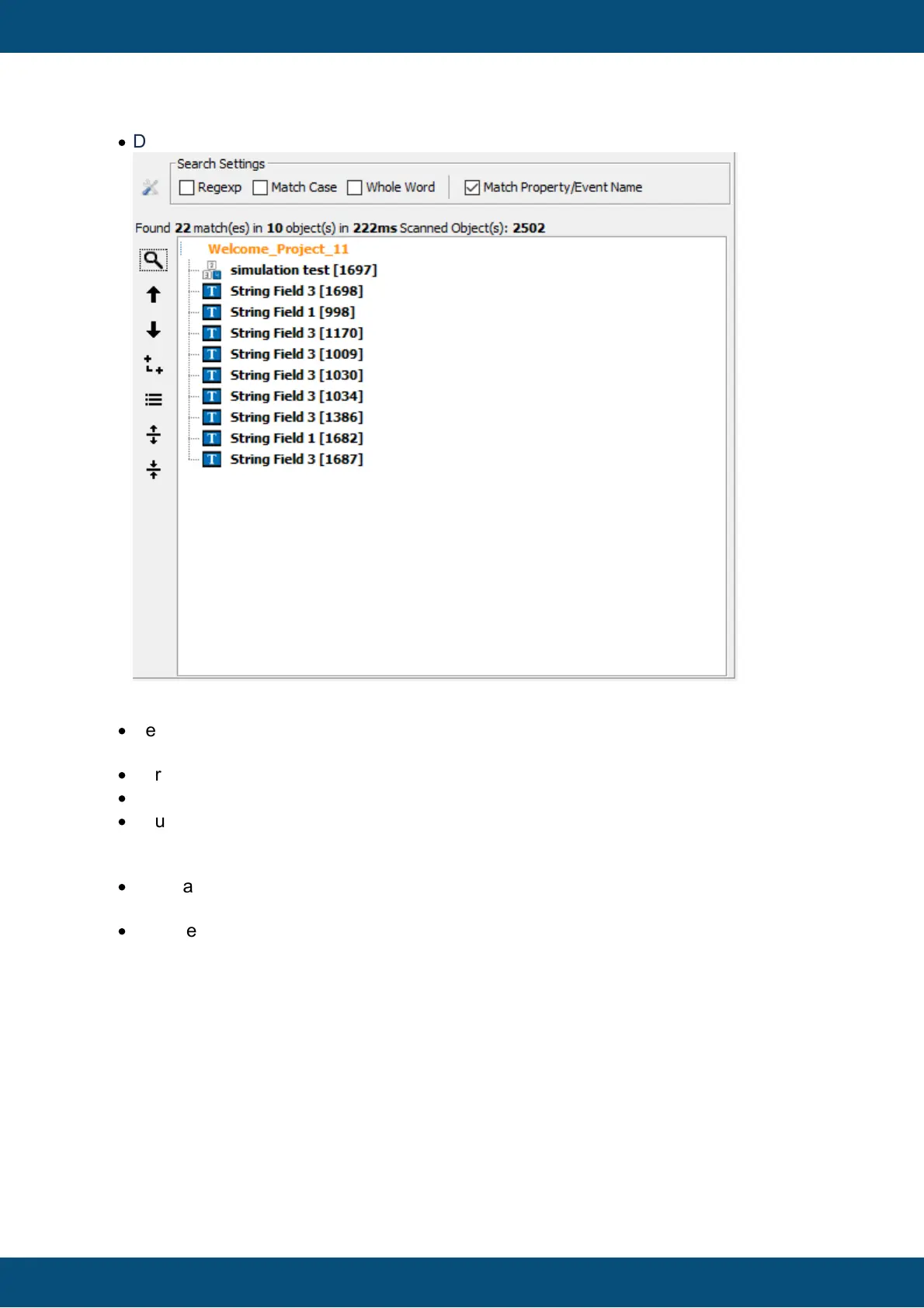
9. Button: go to previous search result node (with rollover)
·
Selects the previous search result object and opens the appropriate page/alarm/VKB
and selects the object in the scene.
·
For communication objects nothing special happens
·
For JS files the file will be opened.
·
If currently the first object is selected an the button is pressed, it jumps to the last object
in the list (roll over)
10.Button: go to next search result node (with Rollover)
·
same as for previous button, only the other direction
11.Latching button: show search results as a tree (similar to project tree)
·
Switches between List/Tree View (Default is List-View)



 To Next Page