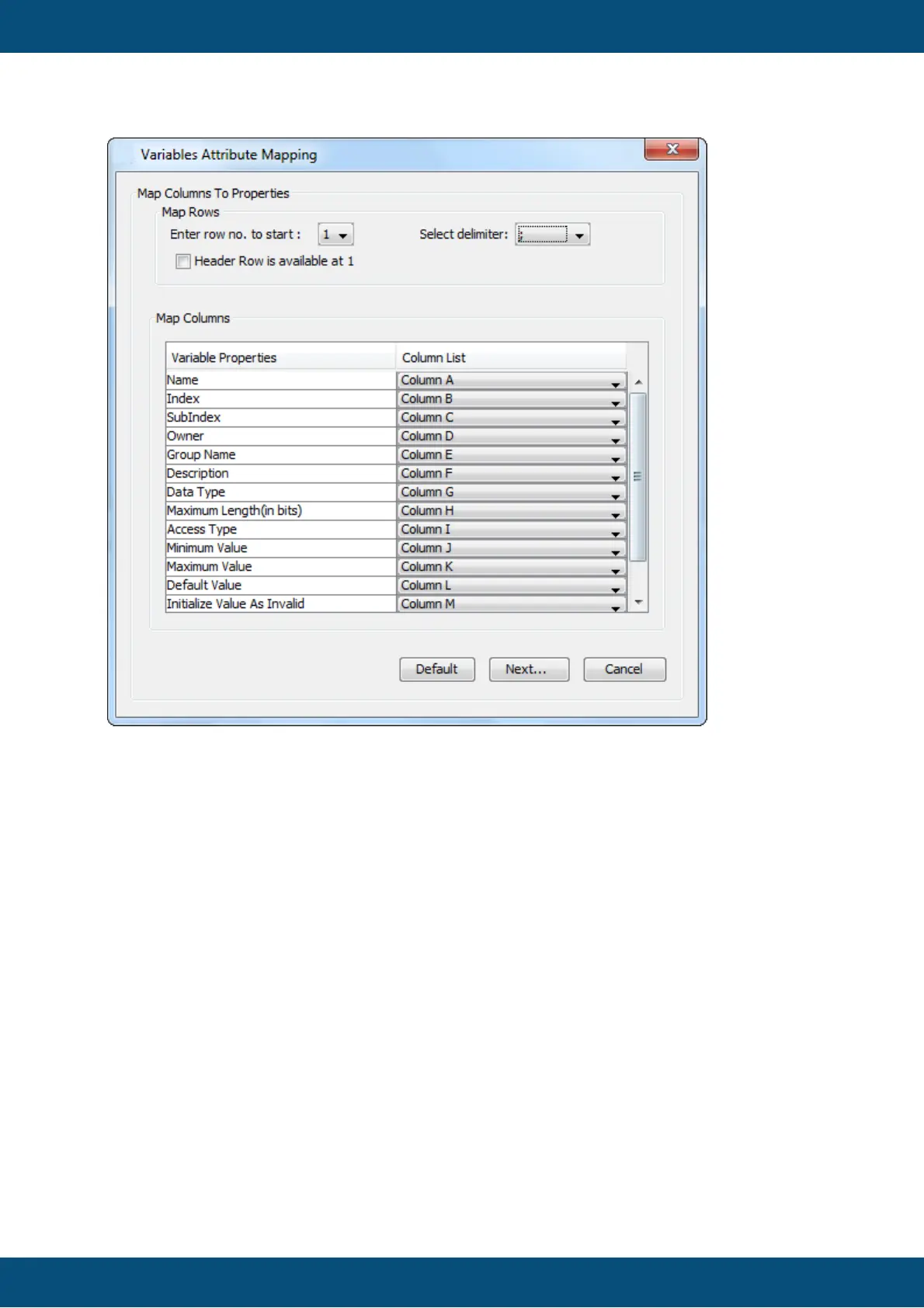
In this dialog you can choose the appropriate delimiter, the row where the program should
start reading the variable data, and a table where you can tell the program which column
contains which property for the variables. If you have used the format shown above you can
use the default values and click Next...
If you haven't given all properties for all variables, the program will show dialoges and
suggest default values for these properties. After confirming these a last dialog will be
shown where you can choose which variables you actually want to import.



 To Next Page