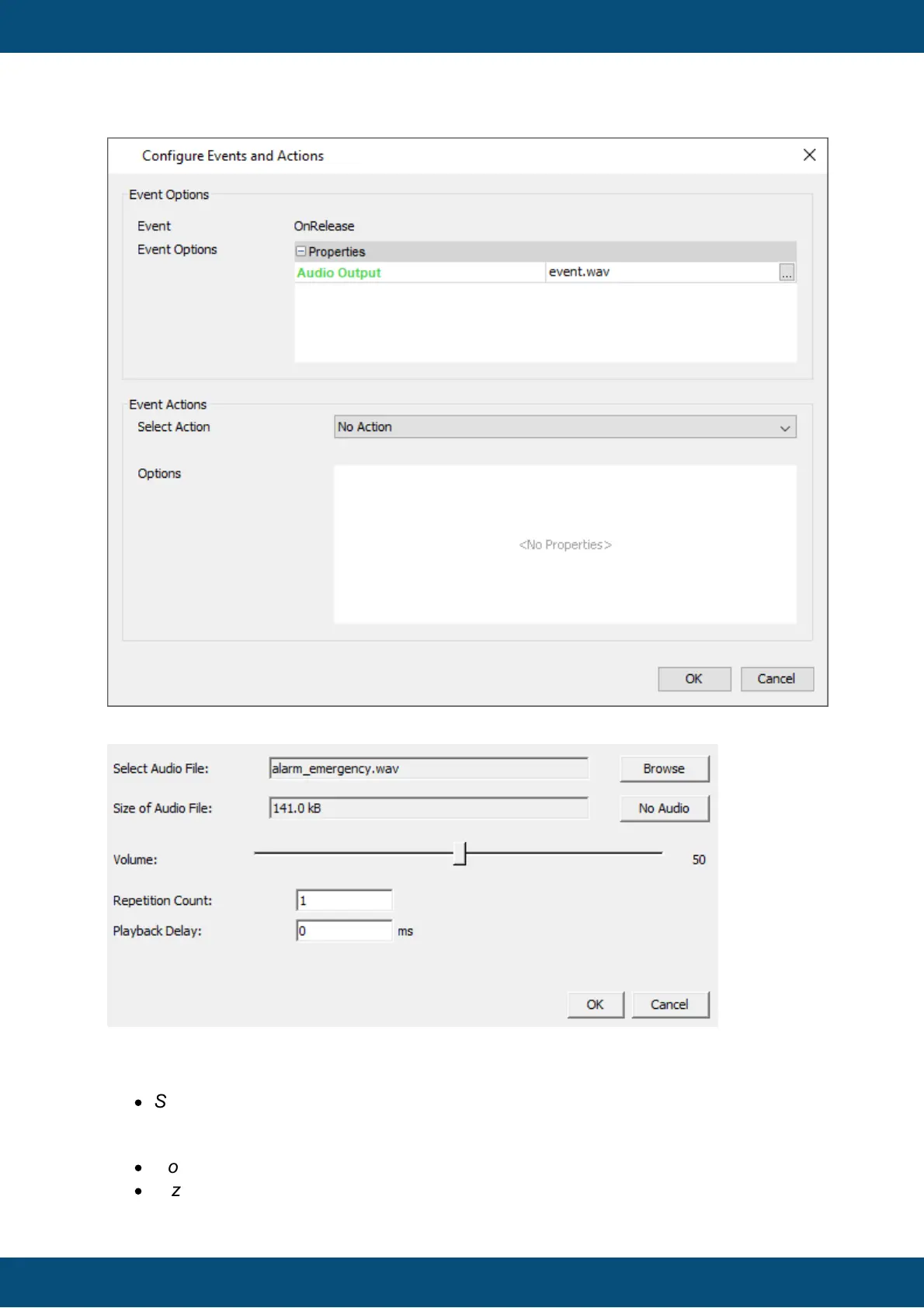
Audio Output
The Audio Output dialog allows to assign an audio file that will be played back when the
event occurs.
The following elements of the dialog can be used for configuration:
·
Select Audio File: Use the Browse button to select an audio file from the file system
(There are different default audio files pre-configured for an event or alarms that can
be directly used)
·
No Audio button: Press this button if no audio shall be played for the event.
·
Size of Audio File: This shows the size of the selected audio file



 To Next Page