Default value: None
Possible values: Any integer variable
Copy Progress Variable
If an integer variable is atached, it will show the copy progress when copying the graph's
history data. See save2DGraphHistory and here for details.
Default value: As configured for the varaible
Possible values: 0 .. 100 while copy is in progress or -1 on error.
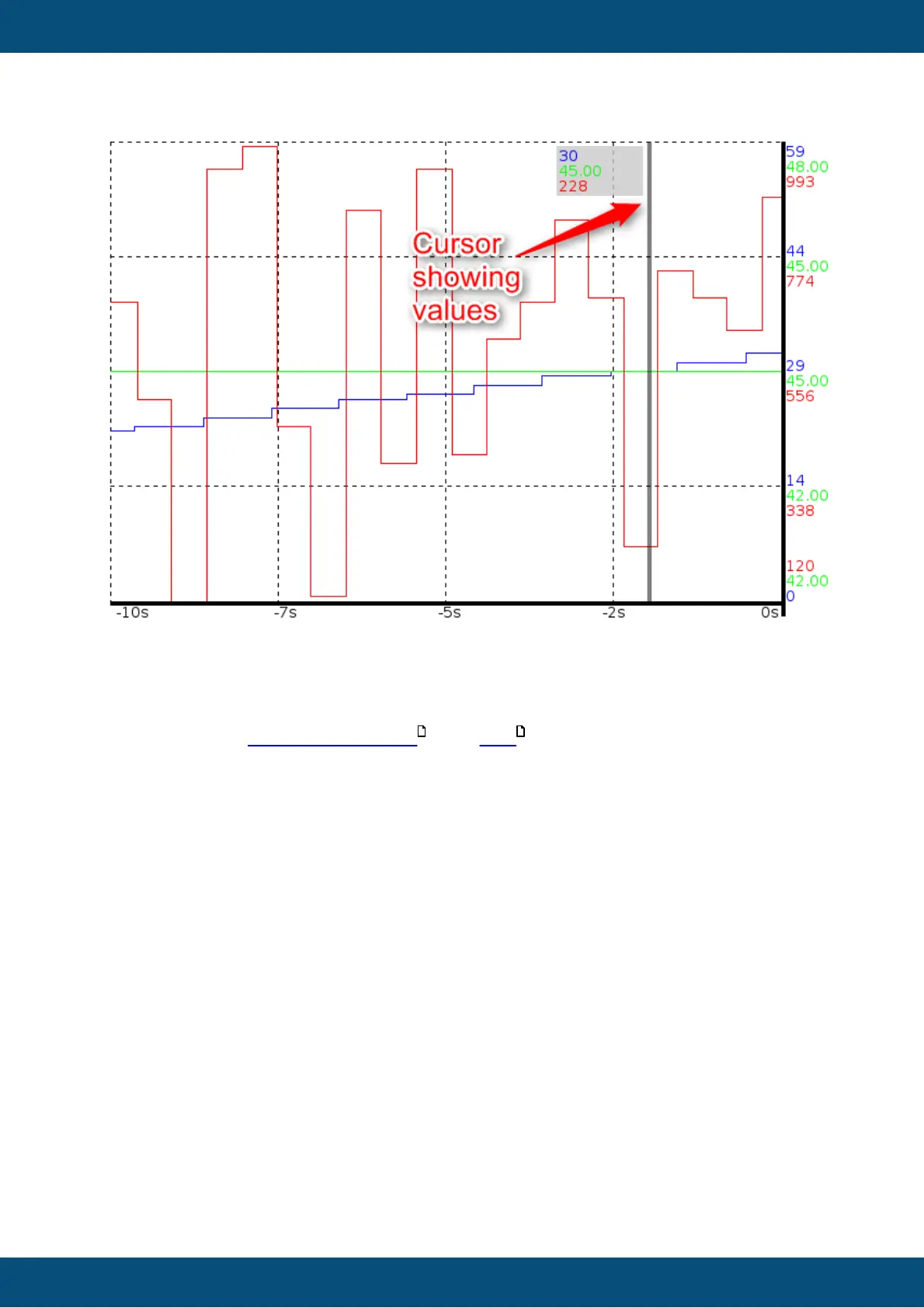
Draw Grid Lines
Enable this property to either show one or three vertical and horizontal grid lines (see
Number of Grid Lines property below). The look of the grid lines can be configured with the
Grid Line Attribute property.
Disable this property to hide all grid lines.
Default value: Enabled
Possible values: Enabled or Disabled.
Grid Line Attribute (Theme dependent)
Select the line attribute object that shall be used for drawing the grid lines.
Default value: Solid Black
Possible values: Any Line Attribute Object defined in project properties.
Number of Grid Lines
If the property Draw Grid Lines is enabled, grid lines will be drawn in the graph. With this
property the number of drawn grid lines can be configured.



 To Next Page