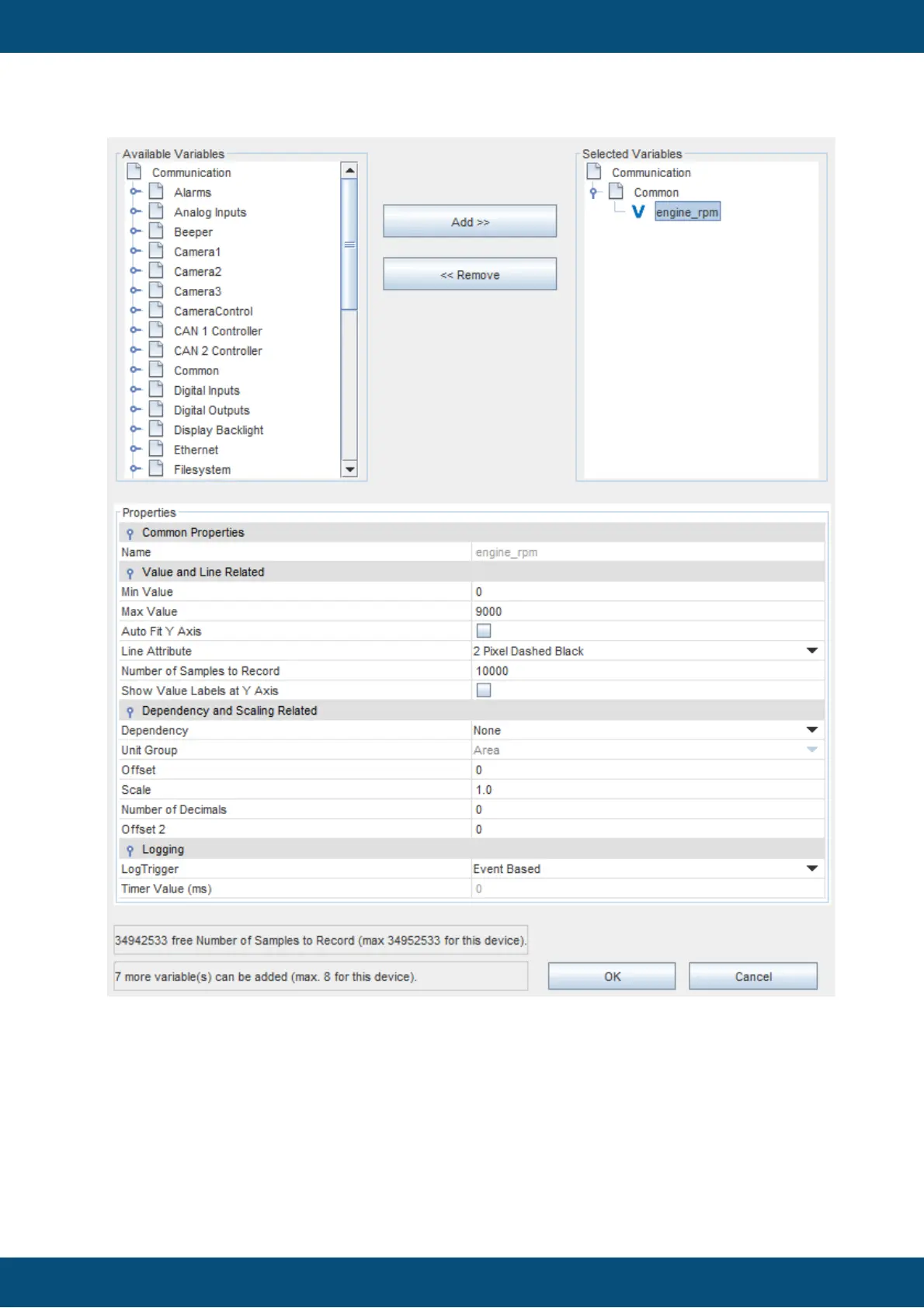
The top part of the dialog is designated for selecting the variables that the graph object
shall draw.
On the left the tree with all variables available in the current project is displayed. On the right
there is the tree showing the variables that are already assigned to the graph.
To add a variable to the graph, select one in the left tree and click the Add >> button.
To remove a variable from the graph, select one in the right graph and click the << Remove
button.
It is also possible to add or remove complete groups.



 To Next Page