572
OPUS Projektor Manual
Functionalities
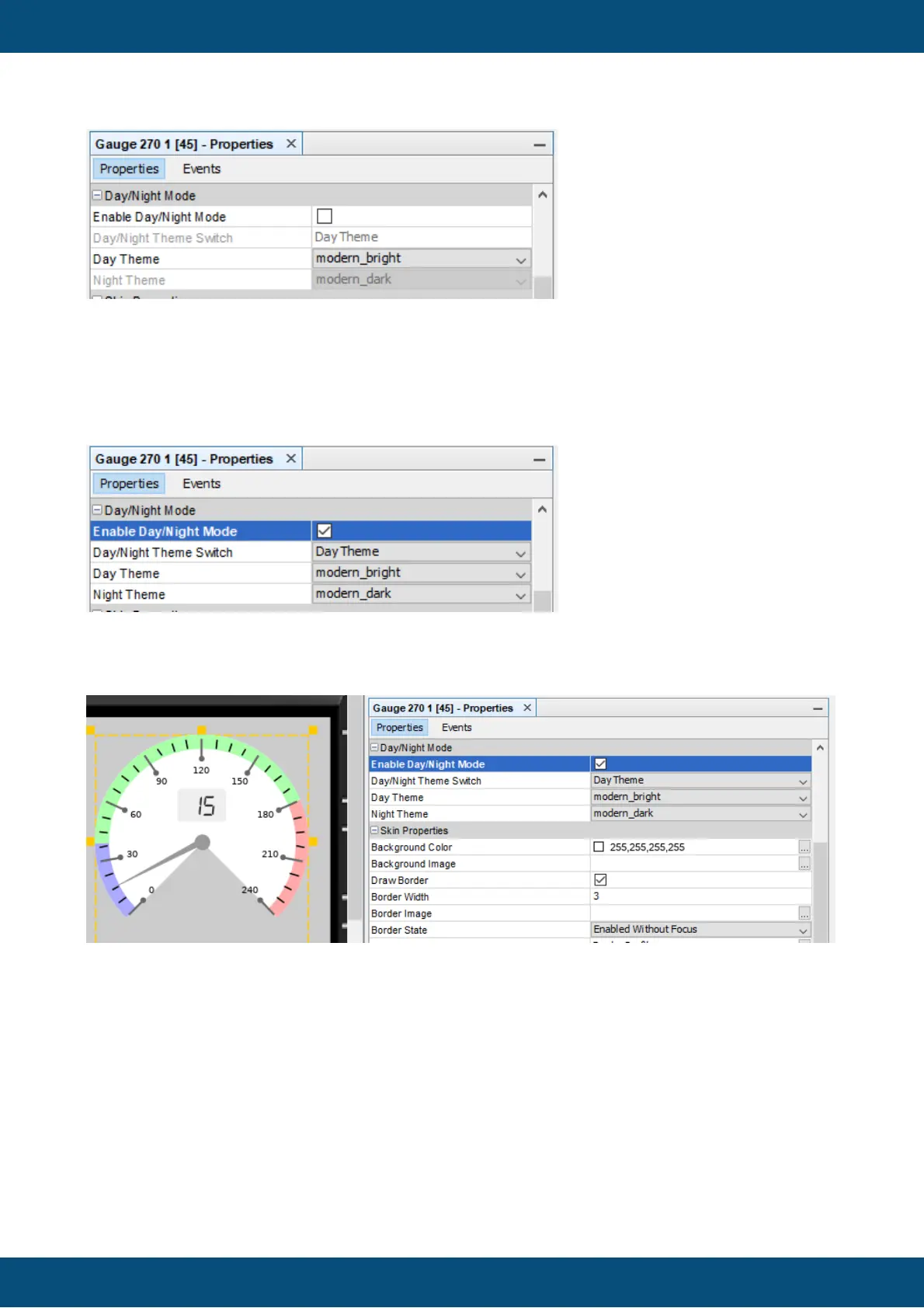
To enable Day/Night Mode for an object, the property "Day/Night Mode" has to be activated.
After that you can choose a theme for day and one for night (properties "Day Theme" and
"Night Theme".
Per default, the theme "modern_bright" will be used as the day theme and "modern_dark" as
the night theme.
With the property "Day/Night Theme Switch" it is possible to preview the Day and Night view
in the editor window to check if the object is configured properly.



 To Next Page