583
OPUS Projektor Manual
Functionalities
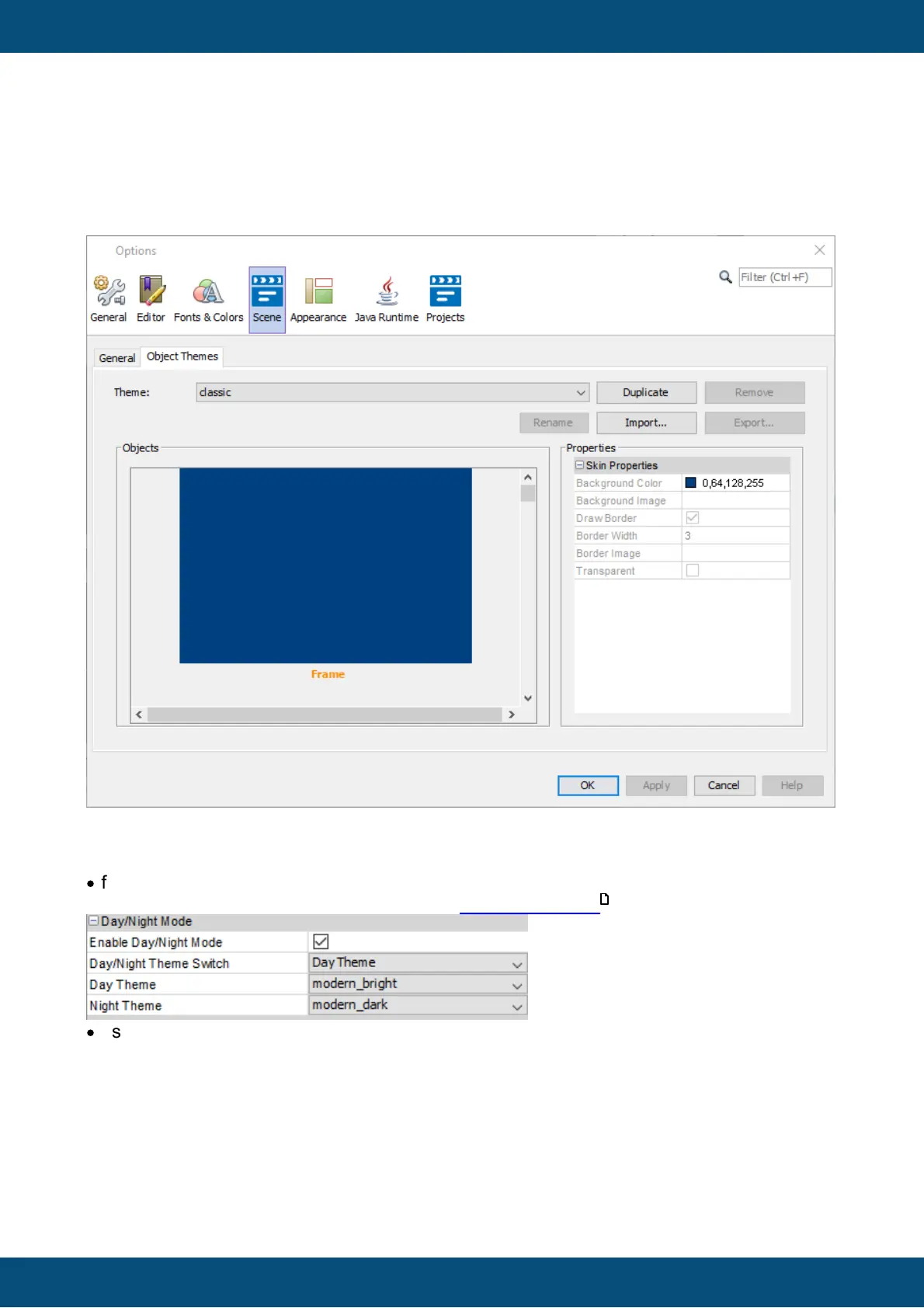
To see which properties are changed by a theme, go to the dialog reached over the menu
Options -> Scene -> Object Themes, choose a theme and select one of the objects. In the
"Properties" window on the right side of the dialog, the affected properties and their settings
for the selected theme are displayed.
Choosing themes
Themes can be chosen
·
for the currently selected object in the scene, by changing the Day or Night Theme property
of the object, depending on the setting of the Day/Night Theme Switch
·
as the standard for new objects, by changing the "Default Day Theme" "Default Day Theme"
setting in the project properties.
571



 To Next Page