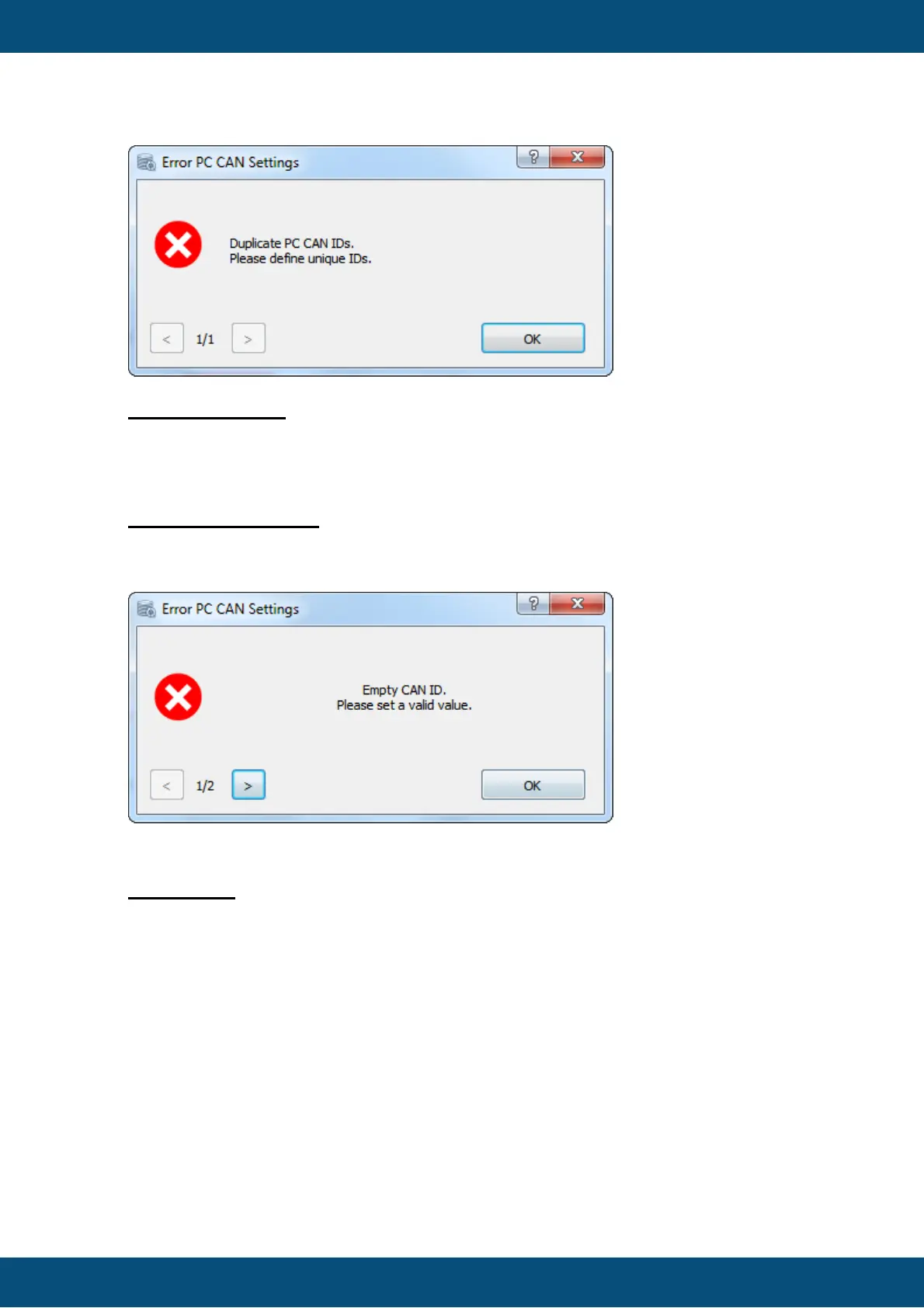
PC Empty CAN ID
CAN IDs must have valid values, otherwise the CAN communication does not work
properly. If an error occurs, the Transfer button is disabled.
This error is only shown on CAN Settings Page.
Device Empty CAN ID
CAN IDs must have a valid value, otherwise the CAN communication does not work
properly. If an error occurs, the Transfer and Back buttons are disabled.
Invalid drive
If the USB drive is not available anymore, this error message will appear and the
Transfer button gets disabled.
The currently chosen drive is checked continuously, which means if the drive is available
again the message will disappear and the Transfer button gets enabled.
This error is only shown on the USB Settings Page.



 To Next Page