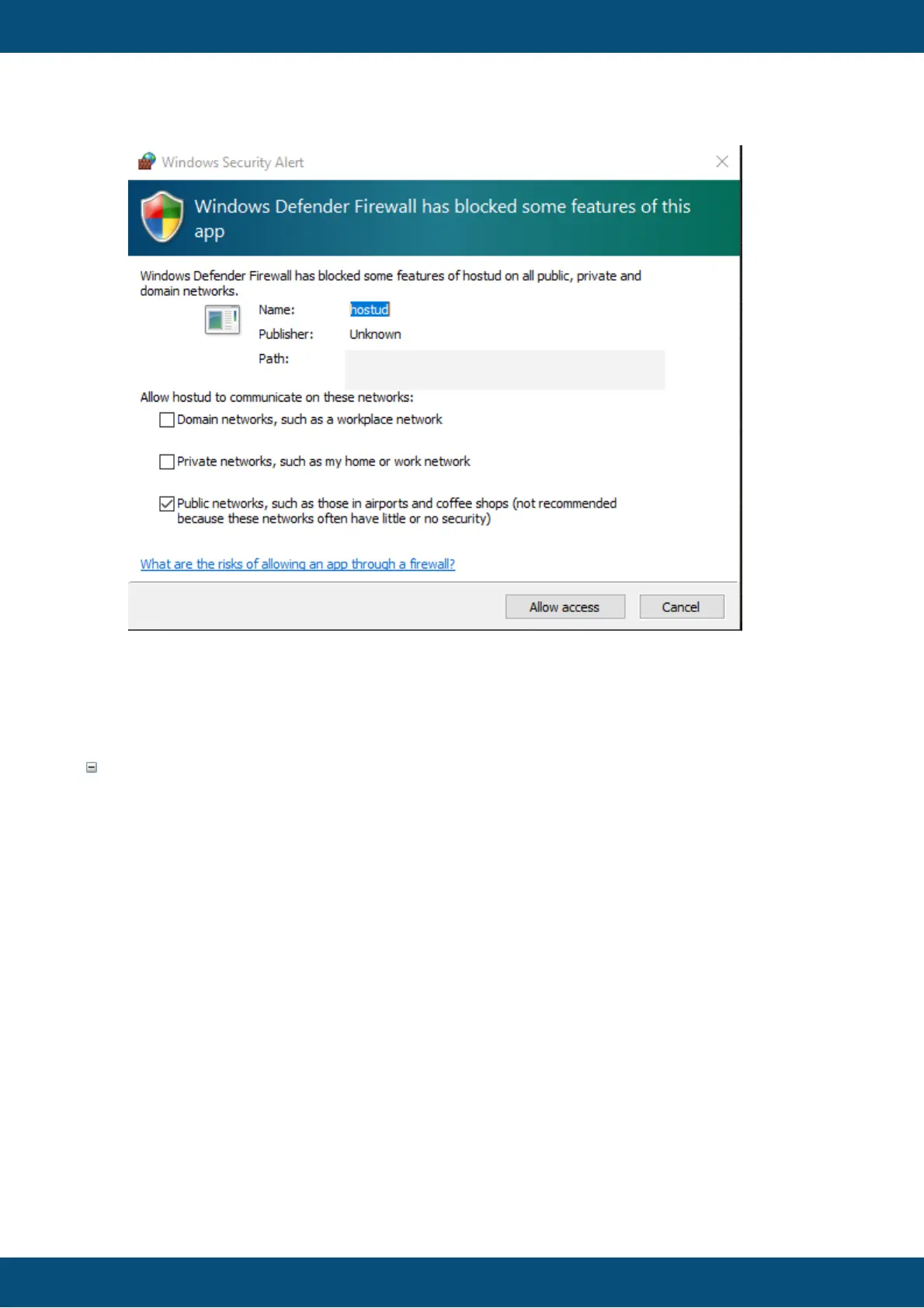
Please check all network types and allow access. Similar settings should be made for
other firewall solutions.
It is possible to start the updater program through a command line.
The updater executable is located in
<program_path>\application\extracted_components\updater
named HostUd.exe
There is an example batch file showing how the updater can be started with the user
interface.
It is also possible to start the updater without a user interface, allowing for an automatic
project download to a USB stick or via CAN.
These two lines are mandatory in the batch file for the executable file to find all necessary
libraries:
set PATH=%PATH%;..\shared_libraries\
set QT_PLUGIN_PATH=%QT_PLUGIN_PATH%;..\shared_libraries\
The executable has the following parameters:



 To Next Page