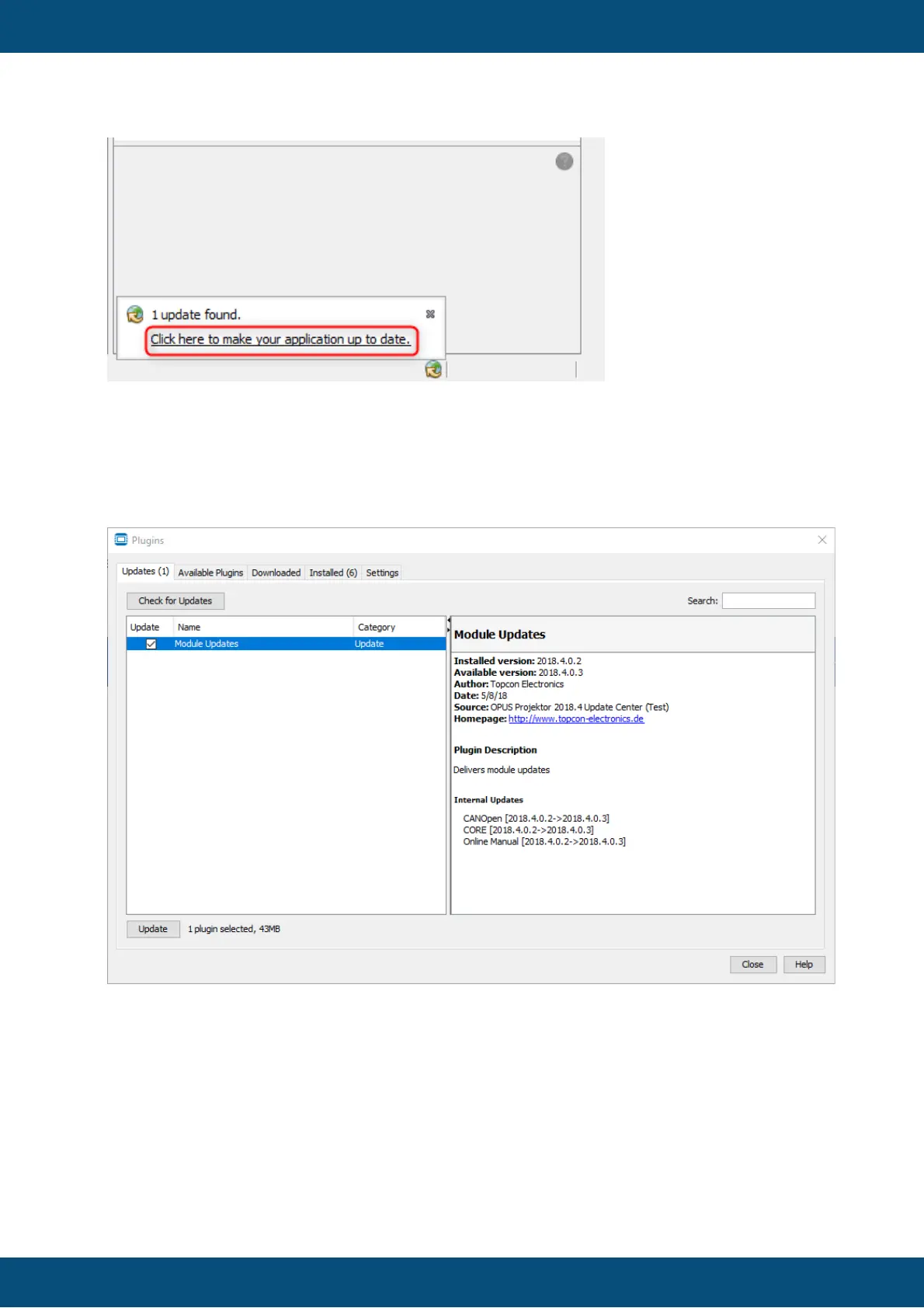
If you close the bubble, you will not be notified again until the set check interval occurs.
Click the link in the bubble to see the content of the update.
Alternatively, you can check for updates yourself in the dialog Tools -> Plugins in the tab
Updates and click the button Check for Updates. Click the button Update to start the
update process.
In the next screen you can see the list of modules, i.e. parts of the OPUS Projektor, that are
updated. Cancel stops the update process and you will not be notified again about this
update until the set check interval occurs. Click Next to continue.


 To Next Page
 Loading...