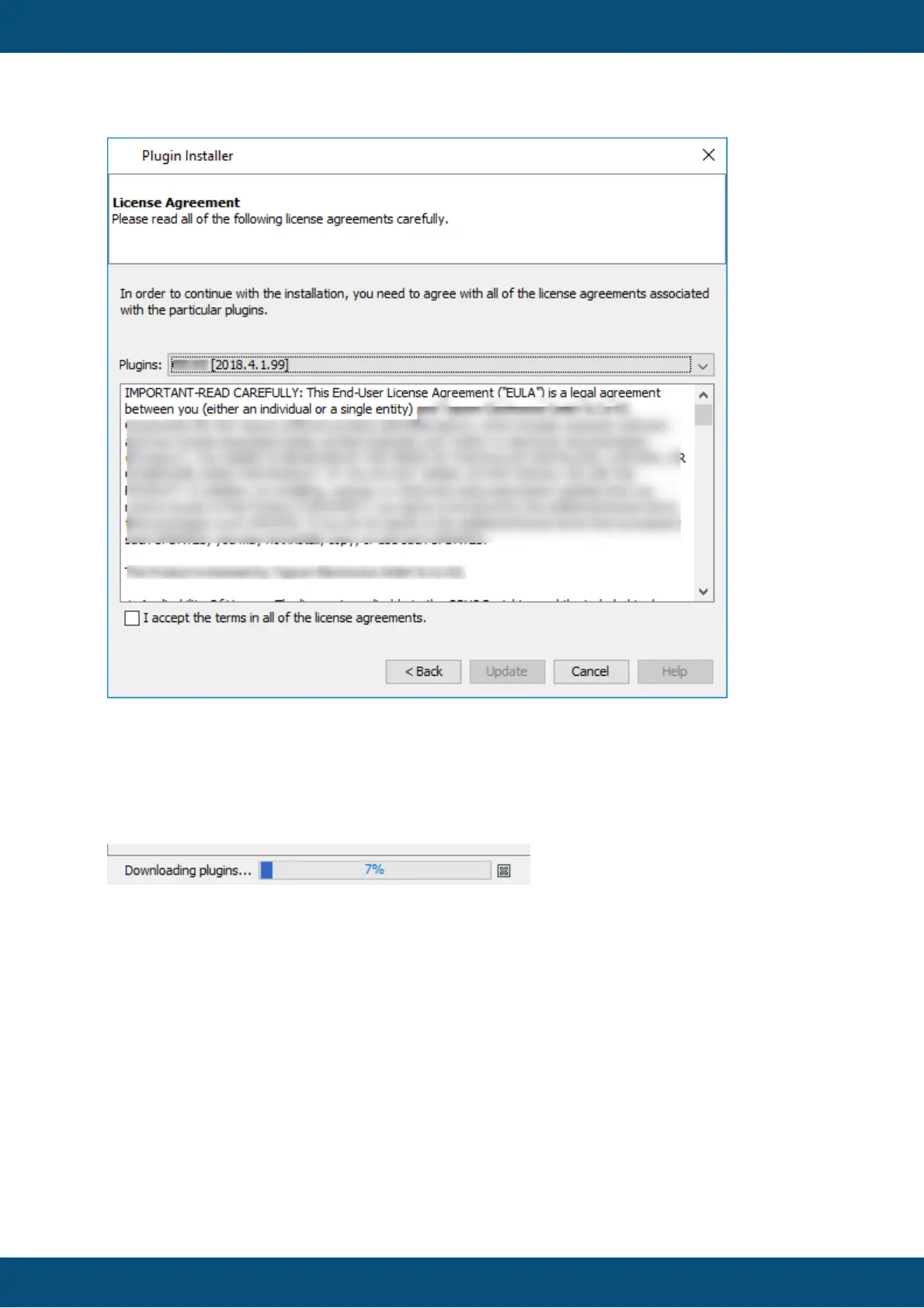
Click the check box to accept the license agreements and then click Update to continue
with the update.
If you have started the update from the bubble, it will be downloaded in the background, so
you can continue to work. The download progress will be shown in the bottom right.
Clicking the X symbol stops the download of the update content.
If you have started the update from the Plugins dialog, you will see a popup with information
about the download. If you activate the check box Run In Background, the popup will be
closed and the download will be shown in the status bar in the bottom right.


 To Next Page
 Loading...