674
OPUS Projektor Manual
Miscellaneous
On most pages in the Service Project an "Eject USB" button will be displayed next to the help
button if a USB stick is connected to the device. If you want to unplug the USB stick, press this
button first to unmount it properly from the device.
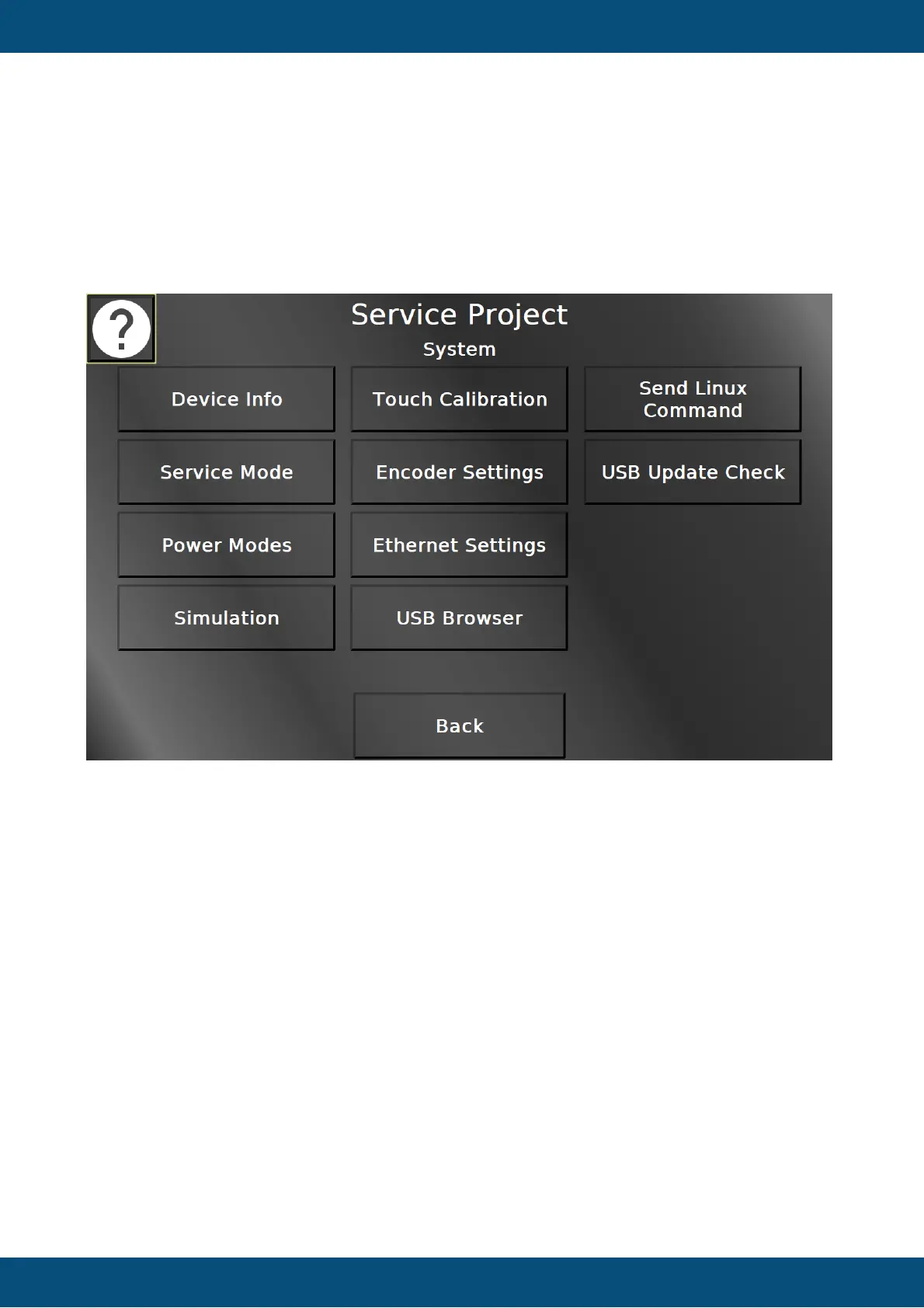
Service Project -> System
In this screen different system information and system settings can be chosen. Back returns to
the main menu.
Service Project -> System -> Device Info


 To Next Page
 Loading...