68
OPUS Projektor Manual
User Interface
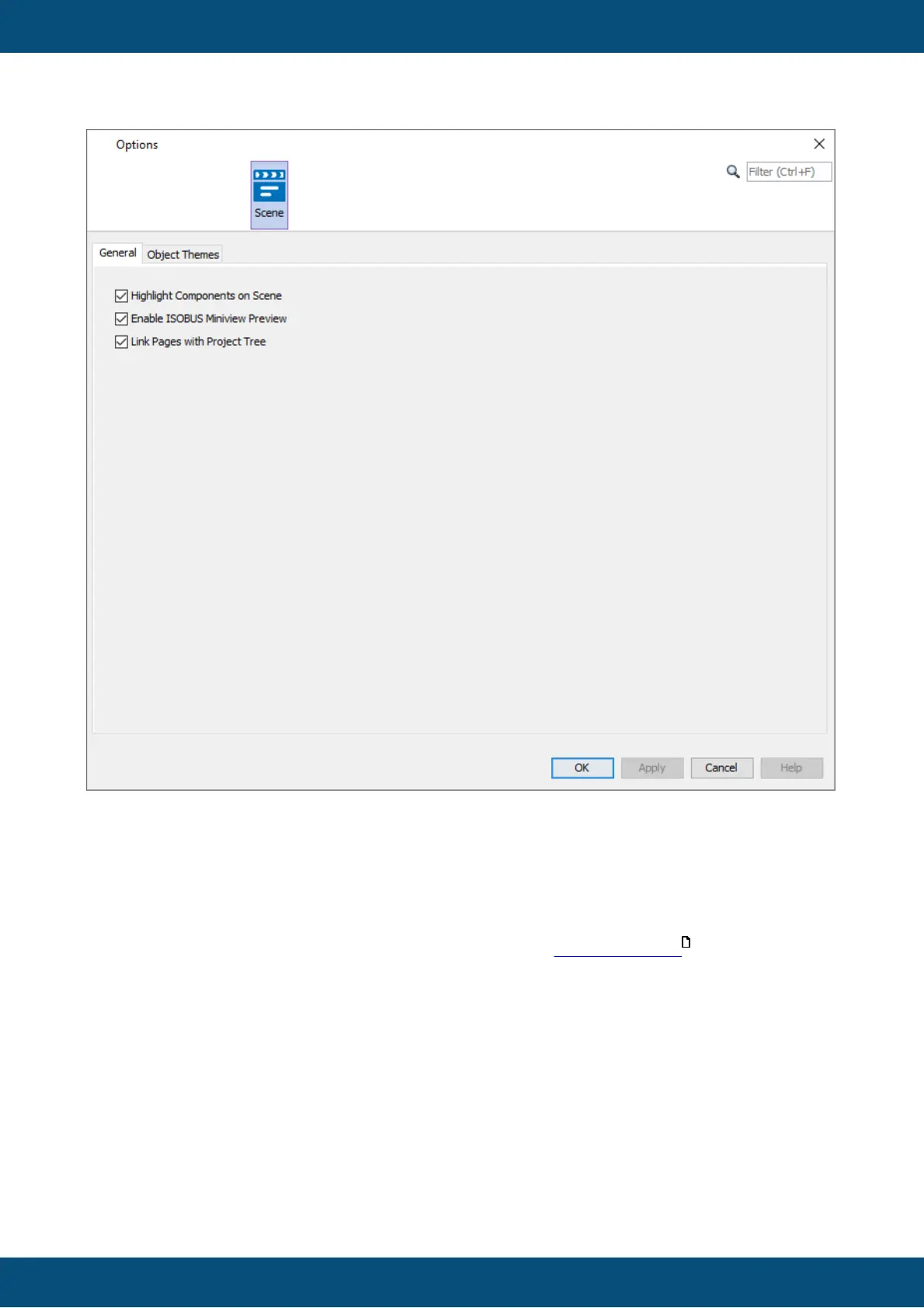
Highlight Components on Scene - Option to highlight components in the page editor when the
mouse hovers over them.
Enable ISOBUS Miniview Preview - Miniview Preview in pages for ISOBUS projects.
Link Pages with Project Tree - When a tab is closed, the next open page will be selected in
the tree with this option active.
For a description of the Object Themes please refer to the Object Themes chapter.
Appearance
580



 To Next Page