692
OPUS Projektor Manual
Miscellaneous
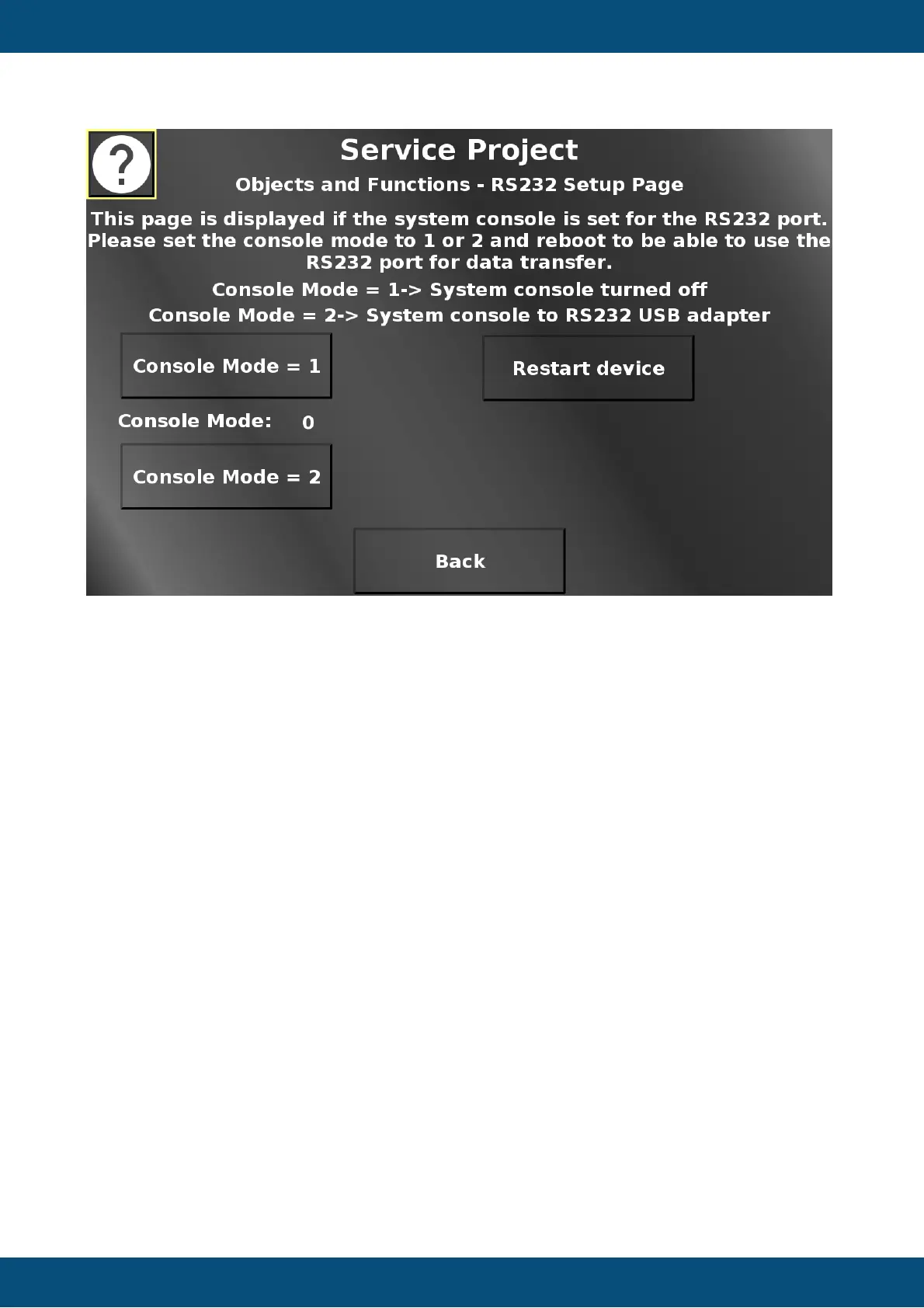
In this screen necessary settings to use the RS232 port for data communication can be made.
By default, the RS232 port will be used by the device operating system console. To be able to
use the RS232 port for data communication, the console mode needs to be set to 1 (system
console off) or 2 (system console goes to the first USB-RS232 adapter (with USB side
plugged into the device).
Please note that this screen is only displayed if the console mode is 0.
The device needs to be restarted for this setting to be activated.
The current console mode is displayed between the two console mode buttons.
Restart device opens a confirmation dialog.


 To Next Page
 Loading...