694
OPUS Projektor Manual
Miscellaneous
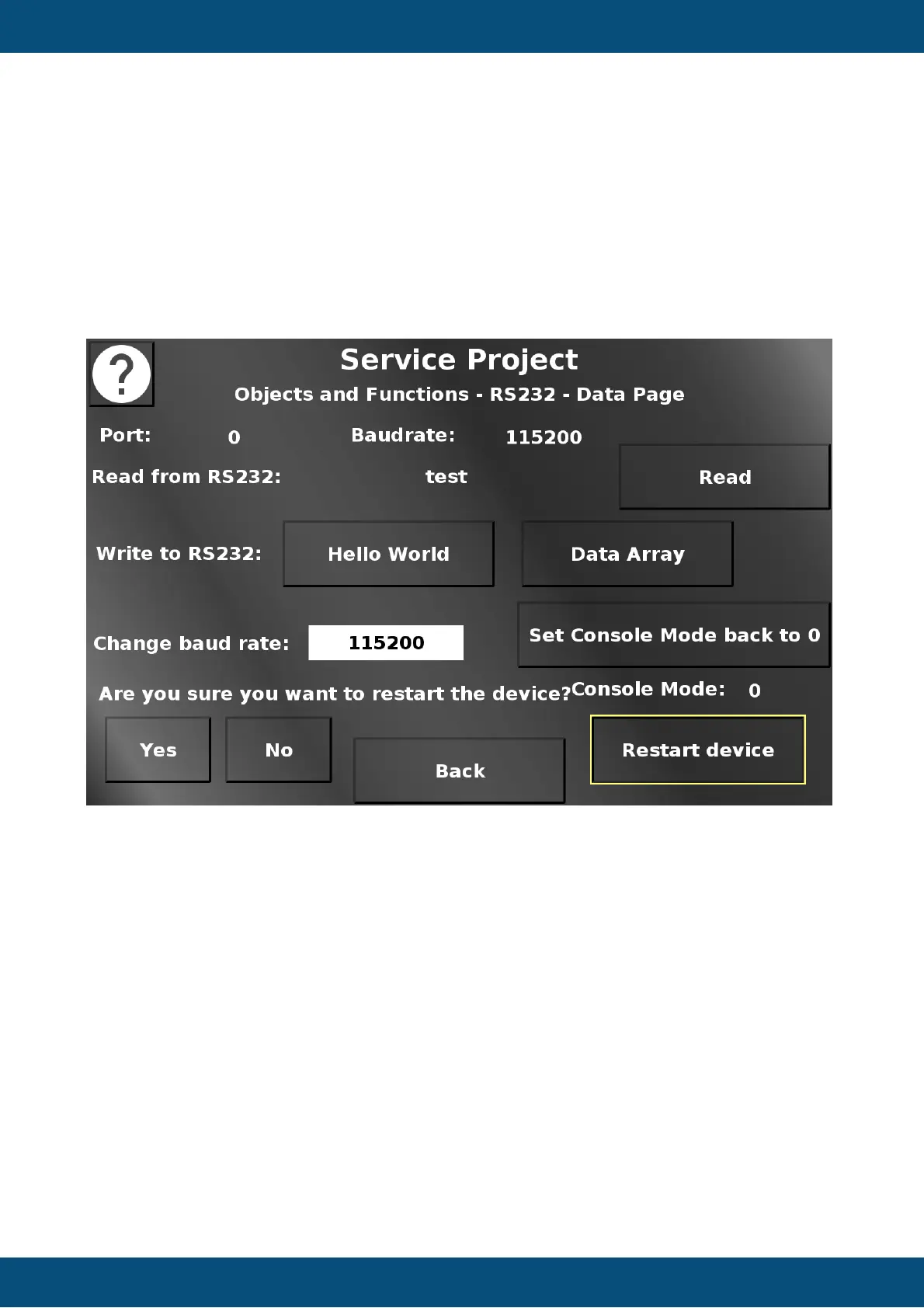
In this screen, RS232 data communication can be tested.
Please note that this screen is only shown if the console mode is 1 or 2 (see previous
screens).
Read reads the RS232 buffer and displays the result (if it is text).
Hello World writes a "Hello World" to the RS232 port to be received by the other end.
Write Arrays writes a data array to the RS232 port to be received by the other end.
Set Console Mode back to 0 sets the console mode back to 0.
Restart device opens a confirmation dialog.
Yes restarts the device with the current console mode setting.
No closes the dialog and reverts the changed console mode setting.
Back returns to the Objects and Functions menu.
Service Project -> Objects and Functions -> Dynamic Gauge


 To Next Page
 Loading...