737
OPUS Projektor Manual
Miscellaneous
at java.desktop/java.awt.EventDispatchThread.pumpEvents(Unknown Source)
at java.desktop/java.awt.EventDispatchThread.pumpEvents(Unknown Source)
at java.desktop/java.awt.EventDispatchThread.run(Unknown Source)
Don't show this error again - You can choose to not send this error again. If there happens
to be an exception that occurs rather often in your work flow, it will be annoying for you to have
the dialog pop up all the time, and receiving the same report over and over again will not be
increasingly helpful for us, either. For that case you can disable to show the error that just
occurred, again. You can reset this setting in the Options dialog.
Don't show any errors - Please don't enable that. Normally it will not be helpful if you check
that option. It will not be of direct harm to you, but if you don't send error reports, we have no
chance of recognizing the underlying problem and no chance to repair it. You can reset this
setting in the Options dialog.
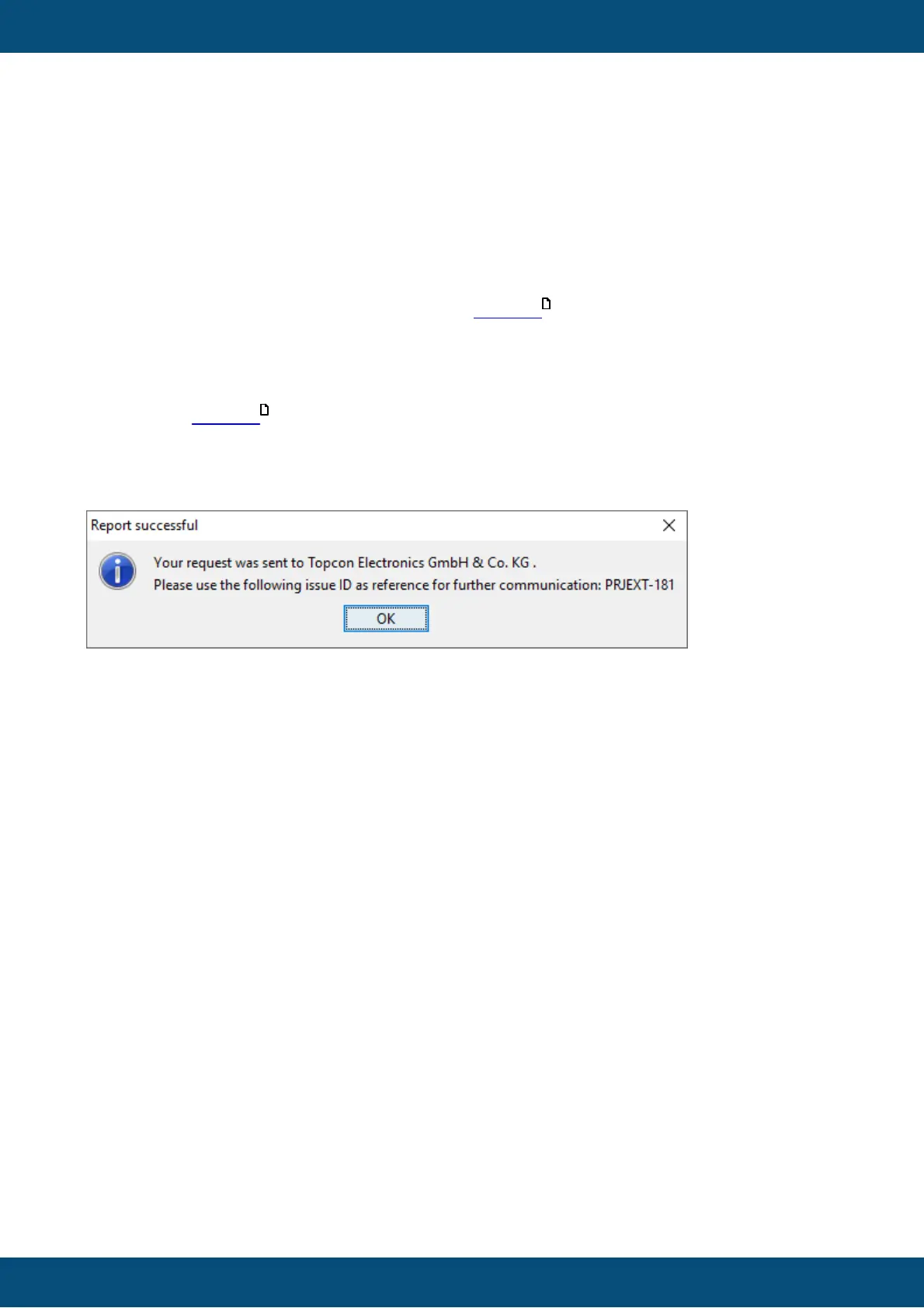
Send - This will send the report, close the dialog, and, when the transmission is finished,
show a feedback dialog with the ticket number your report has created.
You can use this ID as a reference to contact us with more information, questions, etc.
Don't send - This will close the report dialog without sending the report. We hope that you will
rarely choose that option. Once again, we are neither Microsoft nor Apple, we want to work
with you on creating the best program possible and your report will not end up unread in the
trash bin.
Feedback / Feature Request
The feedback dialog can be opened through the menu Help -> Report an issue or give
feedback.
65
65



 To Next Page