769
OPUS Projektor Manual
OPUS devices update manual
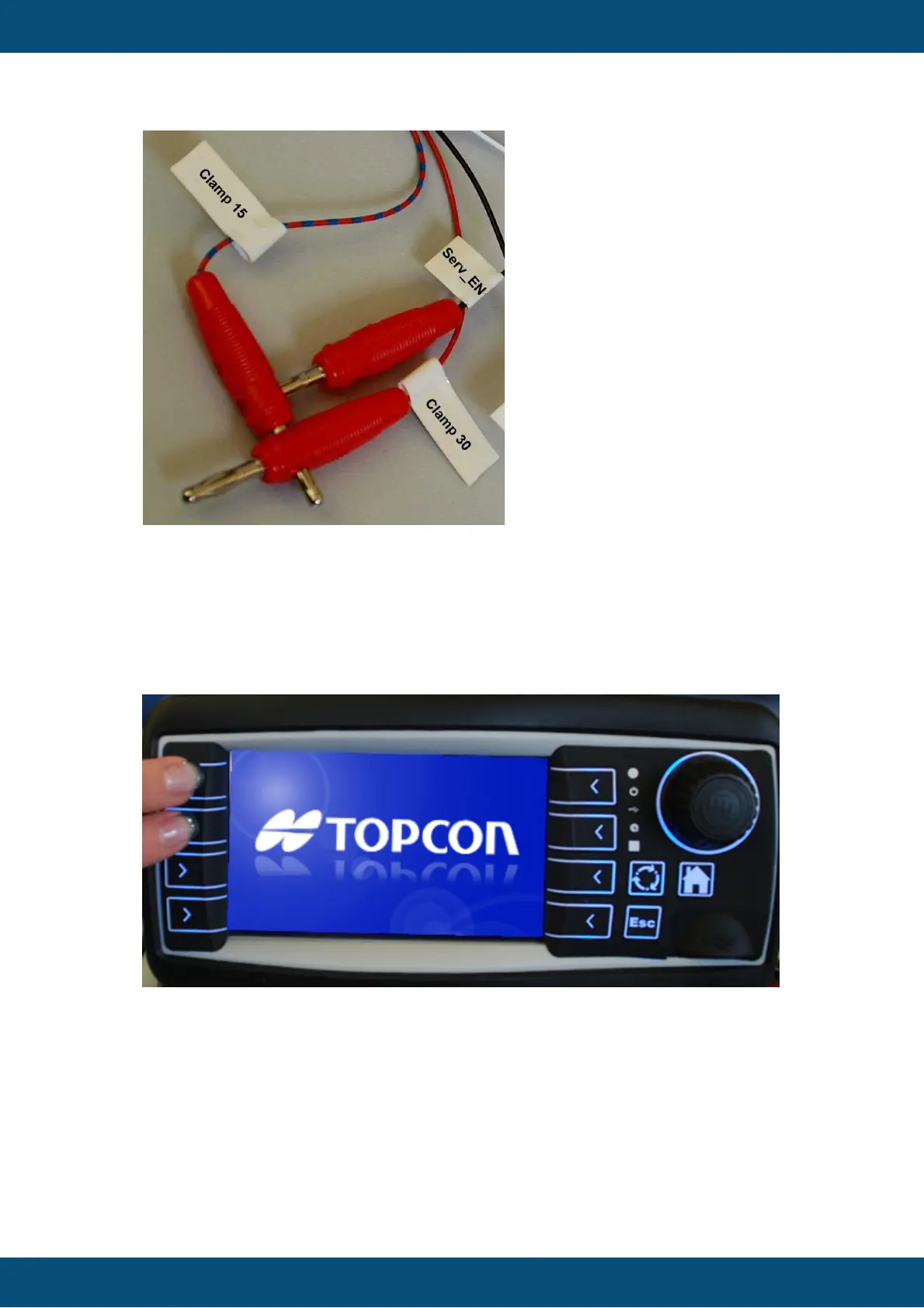
After some seconds a screen with “Maintenance” will be displayed. At this point
please disconnect the clamp “Serv_EN”, otherwise the update will be done again
after restart.
b) Press the left keys 1 and 2 and then power on the device while holding the keys
(works only if you have a product version with keys).
After some seconds a screen with “Maintenance” will be displayed. At this point you
can let go of the keys.
Sometimes it happens that the update doesn’t start initially and asks for a USB stick. If the
update process didn’t start for about a minute, please disconnect the USB stick and connect
it again. Then the update will start.



 To Next Page