774
OPUS Projektor Manual
OPUS devices update manual
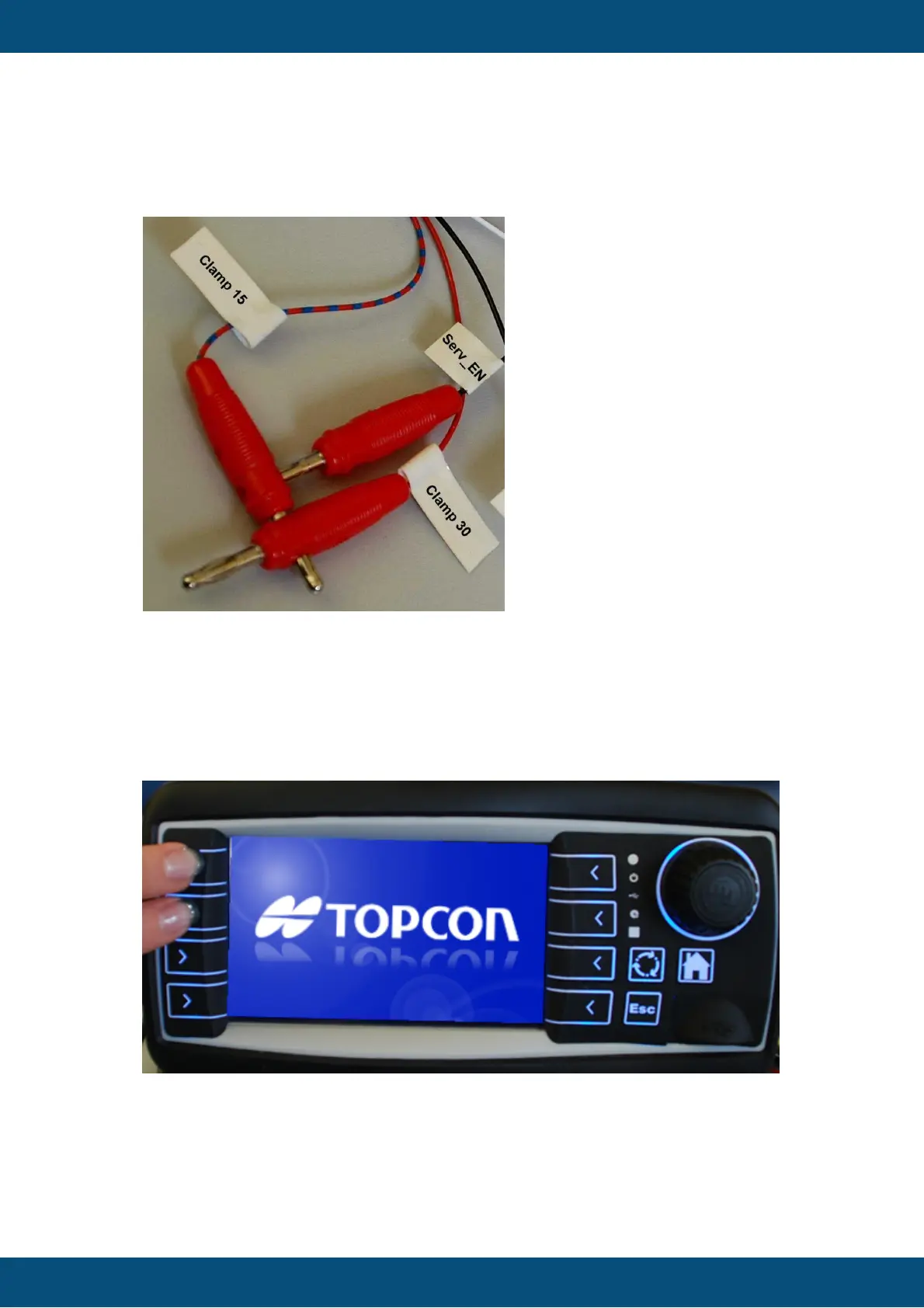
a) Connect the clamp “Serv_EN” (service enable) with clamp 15 and 30 and then
power on the device.
After some seconds please disconnect the clamp “Serv_EN”, otherwise the
update will be done again after restart.
b) Press the left keys 1 and 2 and then power on the device while holding the keys
(works only if you have a product version with keys). After some seconds please let go
of the keys.
When the update starts, you will see a small bar graph in the bottom of the screen. Once the
bar graph is filled, the device will restart and the update was successful.



 To Next Page