787
OPUS Projektor Manual
OPUS devices update manual
In case of CODESYS, use the command: /opt/CoDeSysControl/Files/run stop
Then execute the calibration program: ts_calibrate
And once the calibration has finished, restart the
PClient: /opt/CoDeSysControl/Files/run start
In case of a customer programmed C++ application, consult the vendor of the
vehicle/system for the exact command.
Calibrating the Device
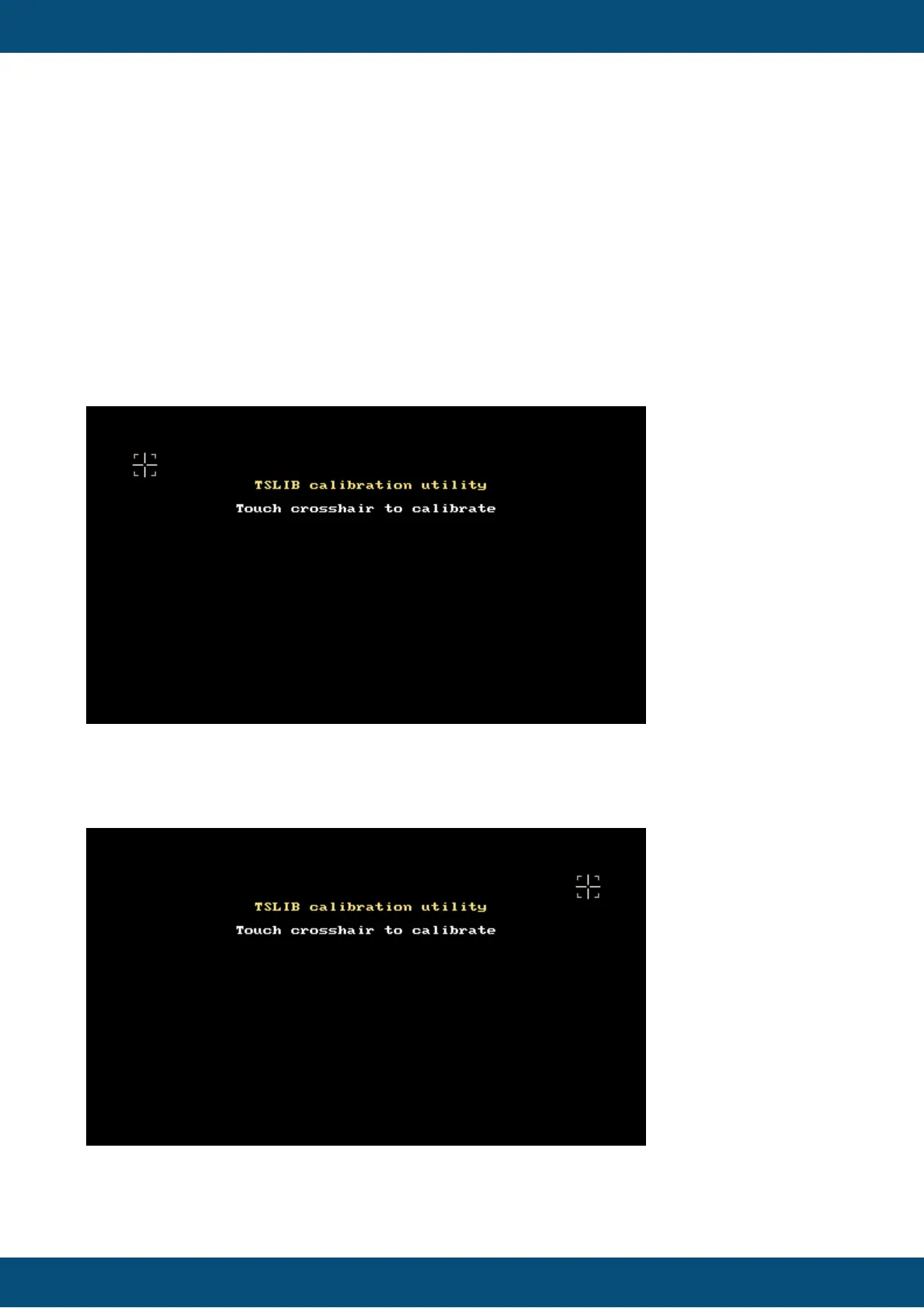
When the calibration is started, this will be the first screen:
Press the cross hair in the upper left corner once, firmly, with your thumb (NOT with a touch
pen or anything else).
When this is done, the cross hair will be shown in the upper right corner:
Press the cross hair again, one time, with a firm thumb press, and continue like that with the
cross hairs in the lower right, lower left and center.



 To Next Page