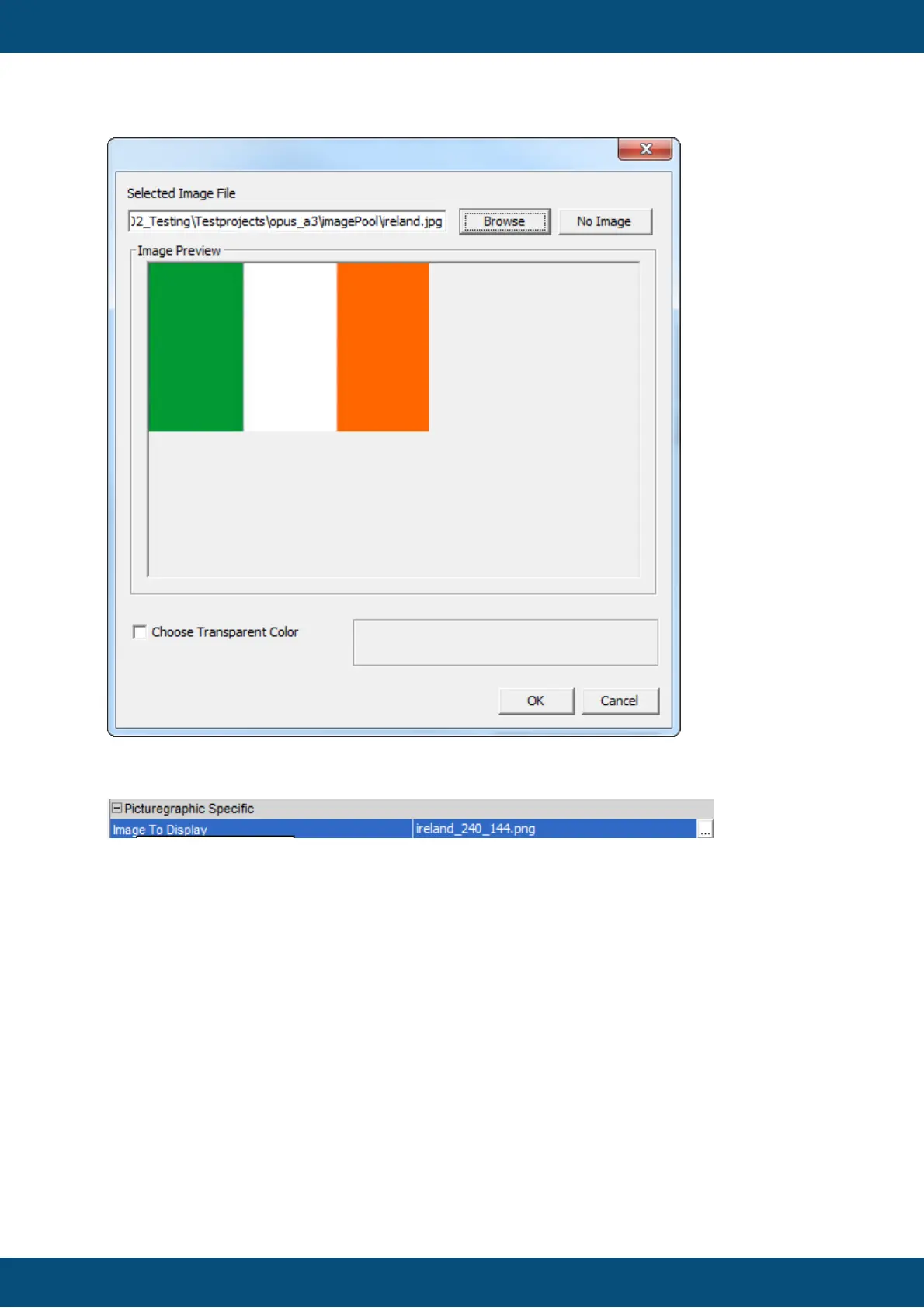
(8) Click on "Ok" to set new image.
(9) New image is shown in Designer for "Picture Graphic" object.
(10) The property "Image To Display" shows the name of new created scaled image
"ireland_240_144.png"
(11) When property "Height" and "Width" are changed, a new scaled image is created with
new name "ireland_100_100.png".
NOTE: The image name of property "Image To Display" is not changed until "Save" is
performed.
Now, if a new Picture Graphic object is created with same "Height" and "Width" and the
same original image is assigned again, the Image Handling recognizes that the scaled
image is already used and doesn't create it again. The already existing scaled image is
also used for the new Picture Graphic object.



 To Next Page